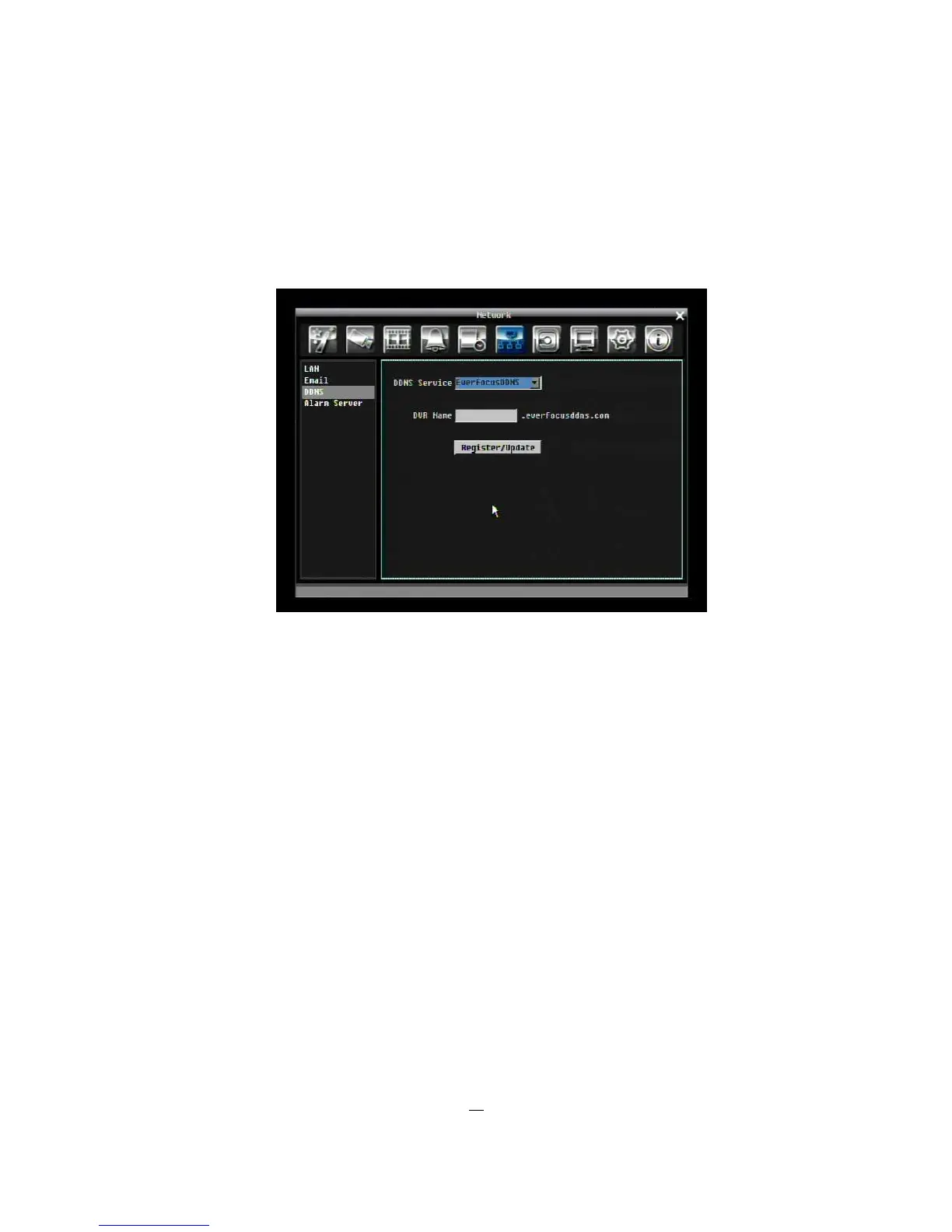
5.7.3 DDNS
DDNS Server: Select either “EverfocusDDNS” or “www.dyndns.org” as the DDNS provider. If DDNS will
not be used, simply select “Disable”.
EverfocusDDNS
Figure 5-24 EverfocusDDNS
DVR Name: Input the desired name for the DVR
Register/Update: Click the button to submit and register the name to the Everfocus server.











 To Next Page