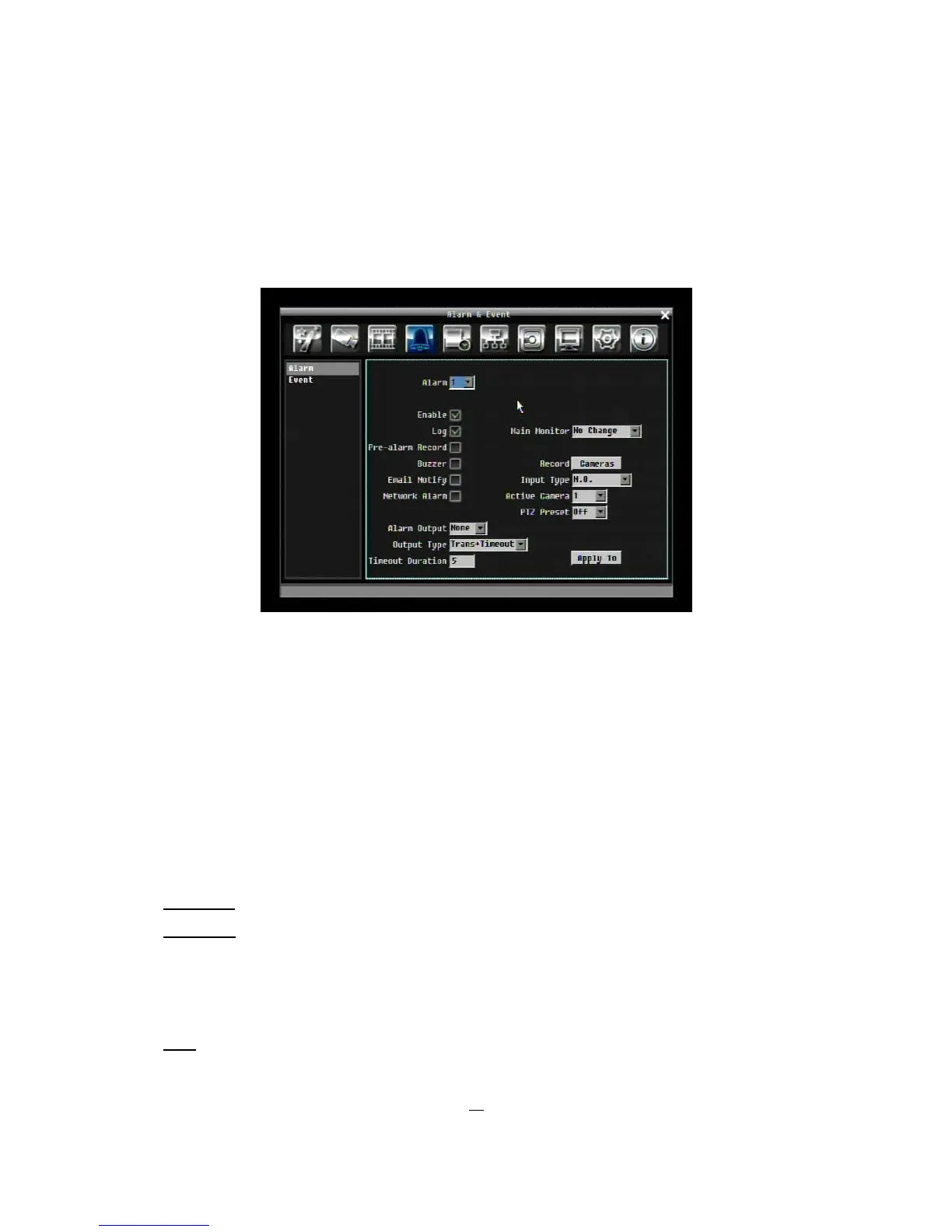
5.5 ALARM & EVENT SETTING
Figure 5-10 is a screen shot of the ALARM & EVENT SETTING MENU. This menu will walk you through
alarm and event setup.
Figure 5-10 Alarm & Event Menu - Alarm
5.5.1 Alarm
Alarm: Select the alarm number from 1 to 4.
Enable: Check box to enable alarm.
Log: Check box to record alarm events in the log.
Pre-alarm Record: Check box to record several moments before the alarm event. (Pre-alarm recording
rate will follow “Normal” frame rate setting)
Buzzer: Check box to enable buzzer when an alarm occurs.
Main Monitor: Monitor display options when a motion occurs.
No change: No change on the main monitor display.
Full screen: A full screen of the active camera will display on main monitor.
Record: Select which cameras will start recording when alarm happens.
Email Notify: Check box to enable email notification when an alarm occurs.
Input Type: This field is to change the type of alarm trigger.
N.O.: Normal Open contact.











 To Next Page