5.10.5 Misc.
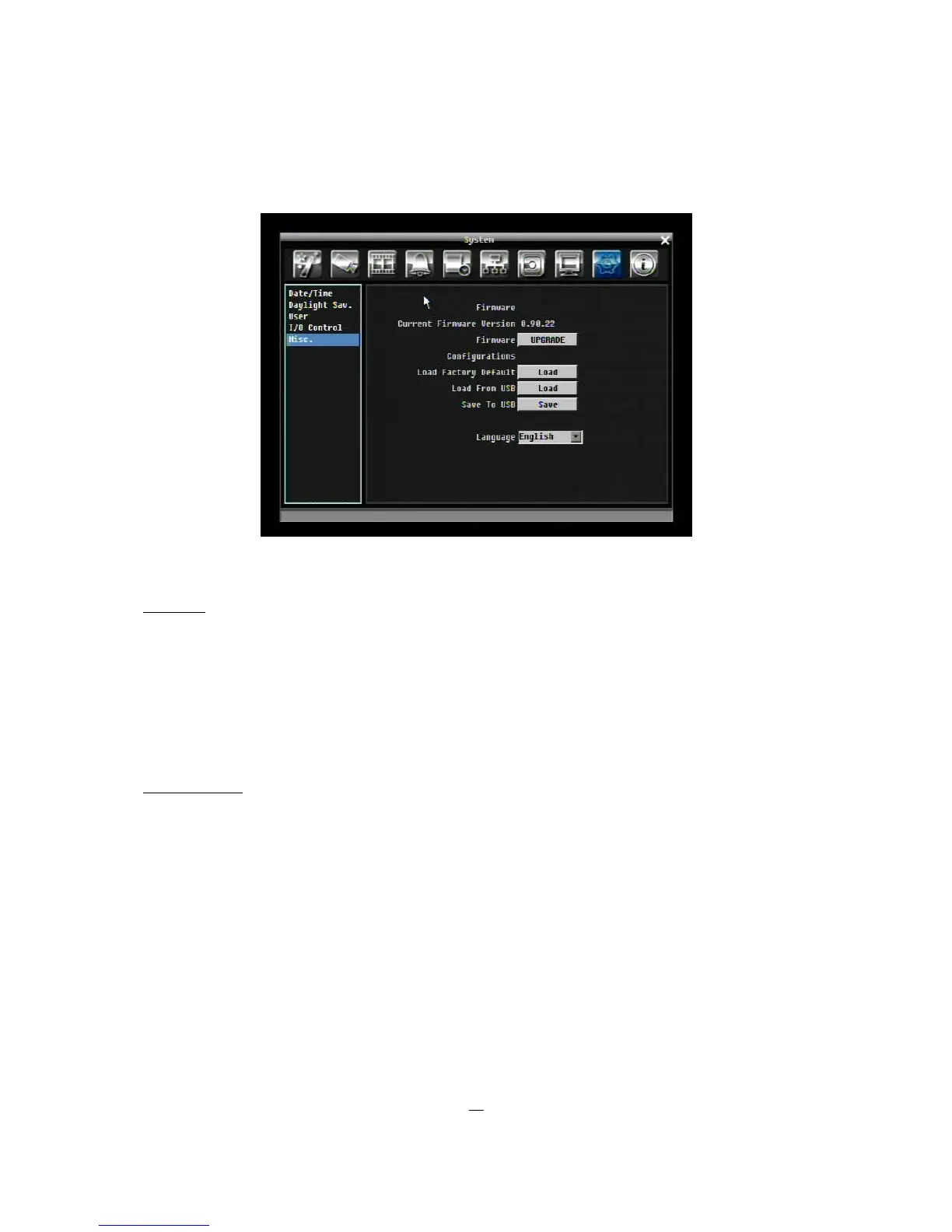
Figure 5-36 System Menu – Firmware & Misc.
Firmware
Current Firmware Version: Displays the current version.
Firmware Upgrade: Press “Upgrade” to upgrade the firmware.
NOTE: To perform a Firmware Upgrade, you will need to connect a USB flash device with
the latest version of the firmware. Do not disconnect USB device or turn off the power of
the unit during the upgrade; this can cause the system to crash.
Configurations
Load Factory Default: Click “Load” to restore all menu settings to the default values. User Account,
Network Setting, and Time are not affected.
Load From USB: Click “Load” to upload saved DVR configuration settings from a USB flash device.
Save To USB: Click “’Save” to save the current DVR configuration settings to a USB flash device.
Language: Choose which language the DVR uses. The available languages may vary based on region.











 To Next Page