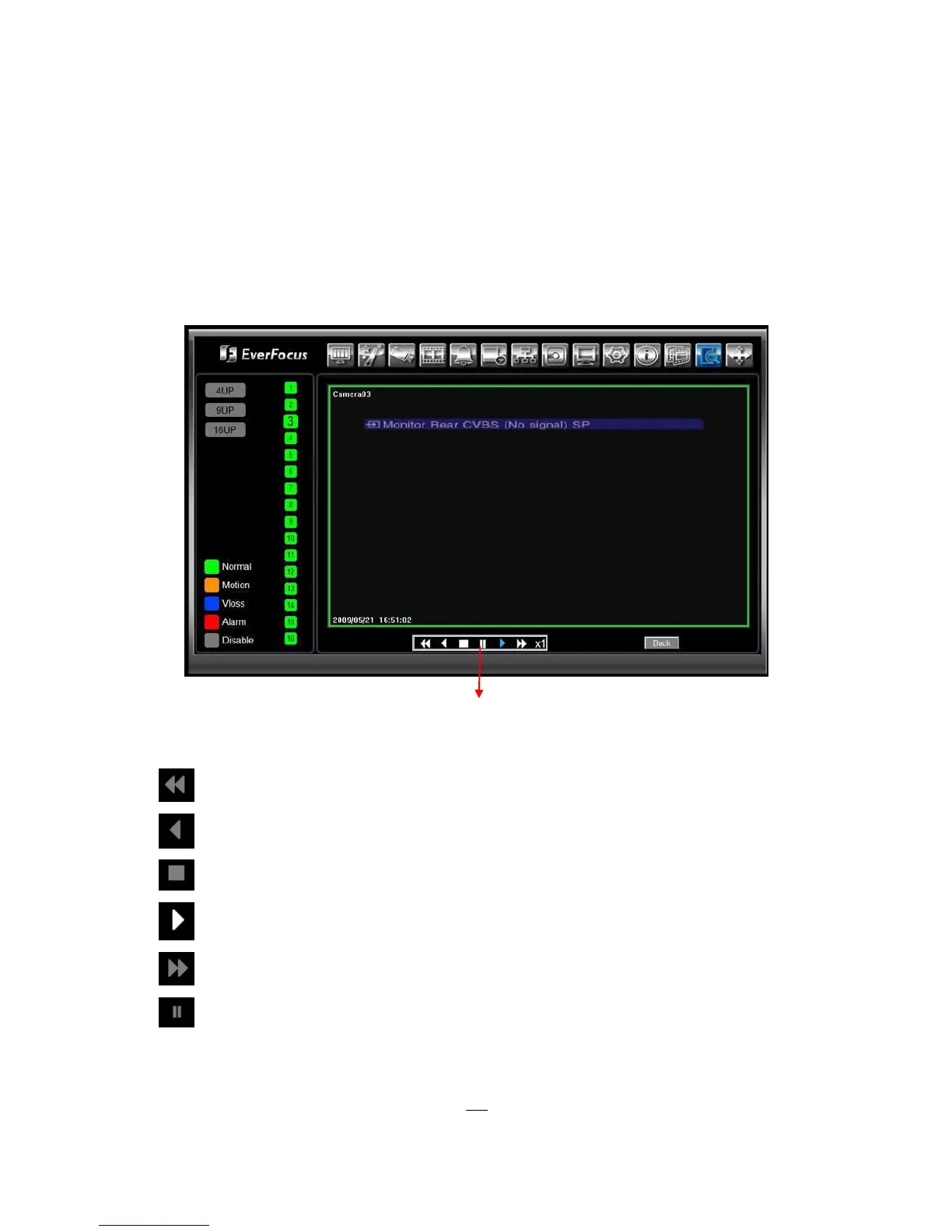
7.4 REMOTE PLAYBACK
To playback the video, press “Search” button. Select from “Time Search”, “Event Search”, or “Motion
Search”. For more details about Search setting, please refer to “4.12 Search Setting”.
“Event Search” and “Motion Search” will show maximum 400 search result items (near start time)
Playback Control Keys:
1. Fast rewind the video.
2. Play Reverse the video.
3. Stop playback.
4. Playback the video.
5. Fast forward the video.
6. Pause
Playback Control Keys











 To Next Page