Event Frame Rate: FPS recording rate for events. Selectable frame rate includes 30fps, 15fps, 10fps,
7.5fps, 5fps, 1fps or 0fps.
Event Action: Check this box to enable Buzzer, Alarm out, E-mail and Network actions when an event
occurs on the selected time period.
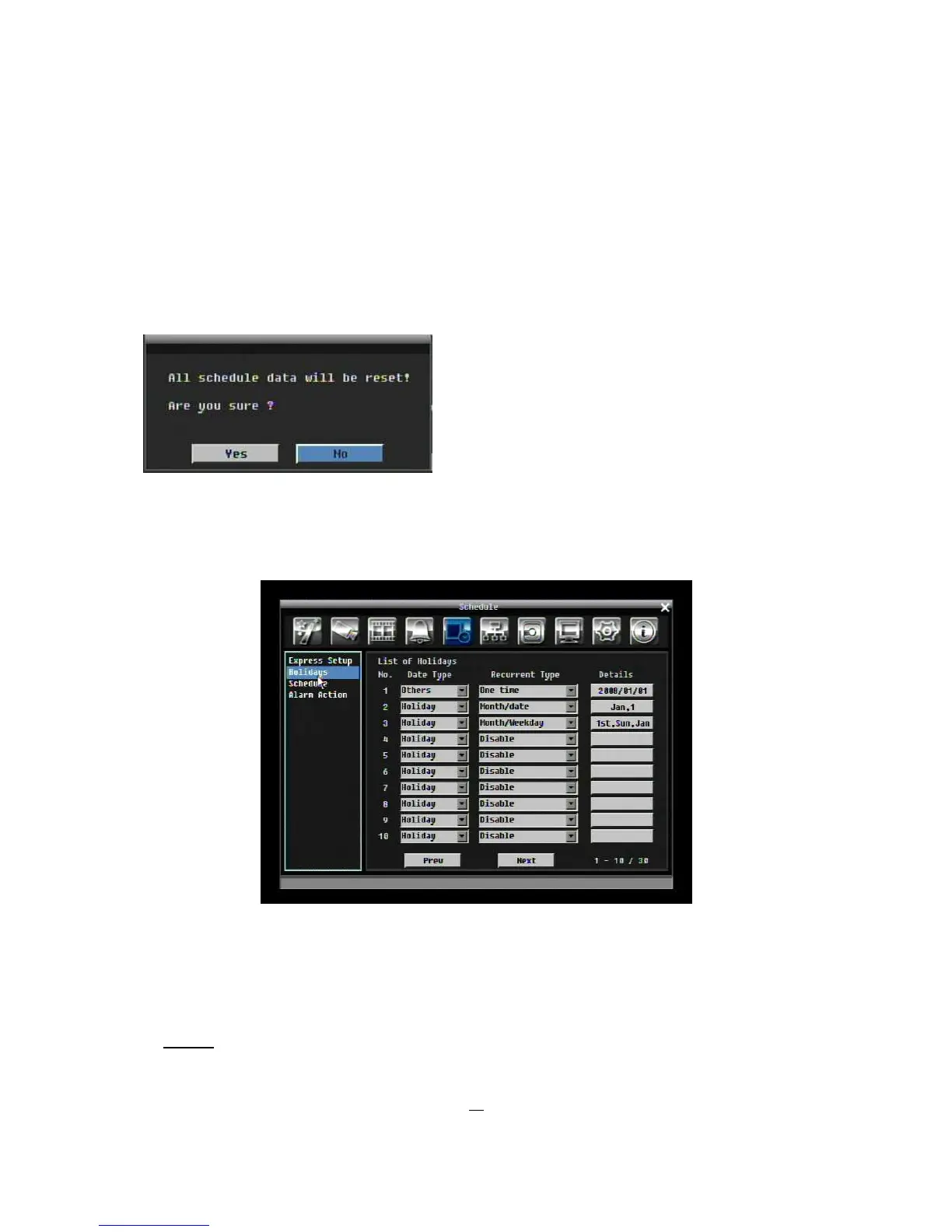
Apply: Press “Apply” button bring up a confirmation window. Select “Yes” to confirm and apply express
schedule settings or “No” to cancel changes.
5.6.2 Holidays
In addition to setting a weekly record schedule, user can also schedule recording for specific days of the
year.
Figure 5-19 Schedule Menu-Holidays
Date Type: Select either Holiday or Others. (Holiday and Others means two different groups, you can
assign special days in these two groups)
Recurrent Type: Choose how often each scheduled day should be recorded.
Disable: Recording is disabled.











 To Next Page