DNS Server 2: This field shows the secondary DNS server for your network.
HTTP Port: Port number for HTTP/WEB communication.
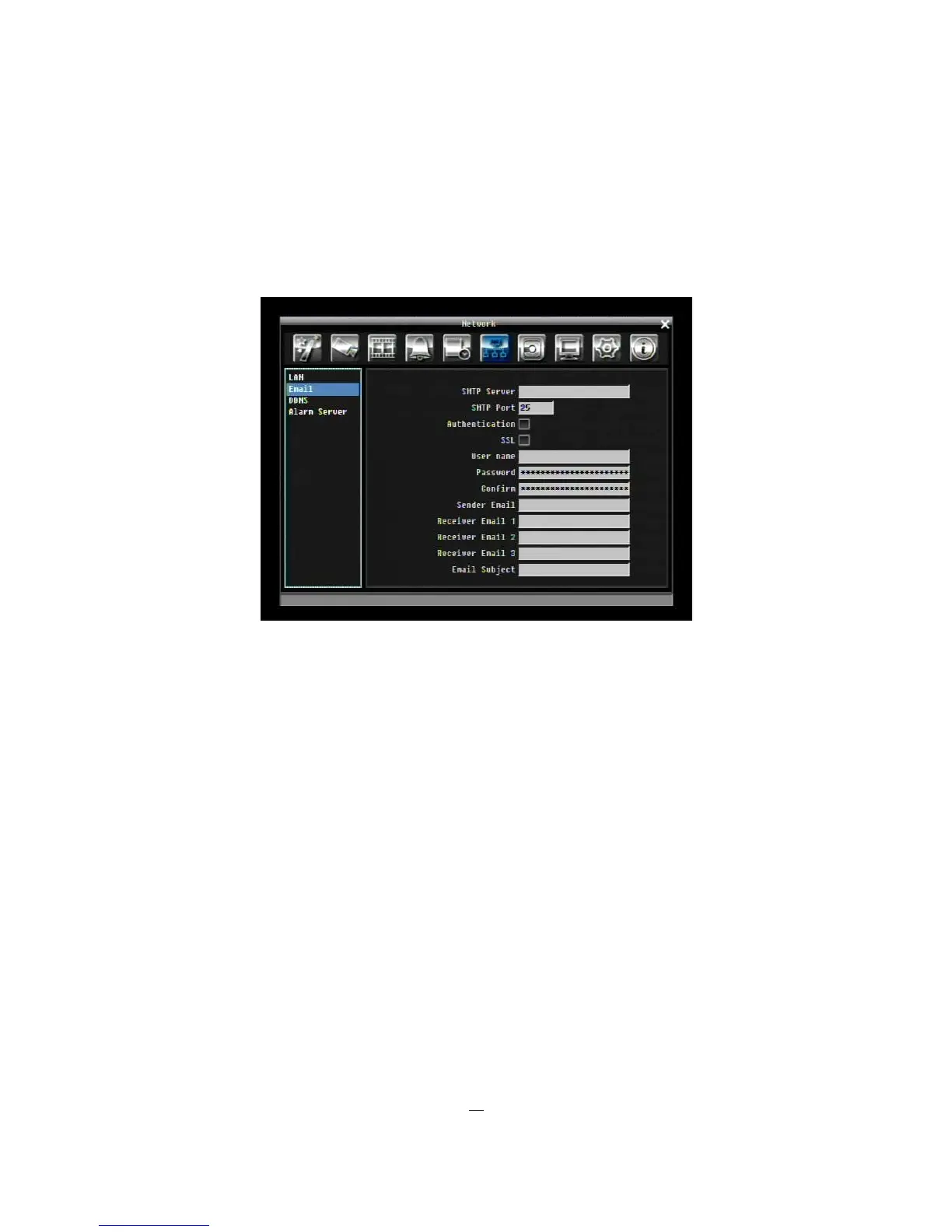
5.7.2 EMAIL
Figure 5-23 Network Menu – Email
SMTP Server: Assign the SMTP (e-mail) server’s name.
NOTE: For more reliable email service, use the server’s IP address.
SMTP Port: Assign the port number used by the SMTP server.
Authentication: Check this box if the SMTP server requires authentication (user name / password).
SSL: Check the box if mail server needs to be encrypted by SSL.
User name: Input the login user name if the SMTP server requires authentication.
Password: Input the password if the SMTP server requires authentication.
Sender Email: Input the e-mail address of the sender (DVR).
Receiver Email 1: Input the first e-mail address that event messages are sent to.
Receiver Email 2: Input the second e-mail address that event messages are sent to.
Receiver Email 3: Input the third e-mail address that event messages are sent to.
Email Subject: Input email subject.











 To Next Page