5.8 Disk Setting
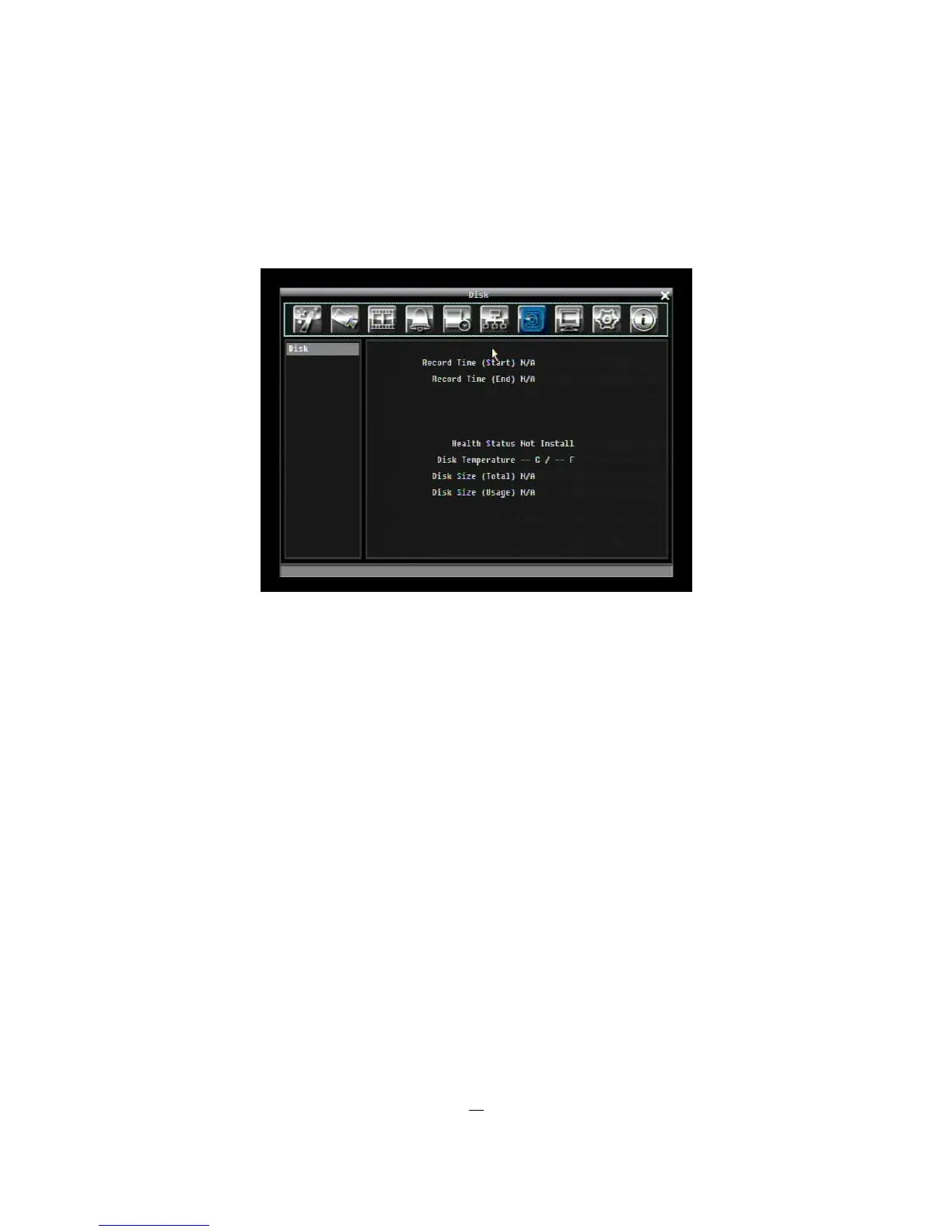
5-27 is a screen shot of the DISK SETTING MENU. This menu is used to review and manage the DVR’s
hard drive settings.
Figure 5-27 Disk Menu
5.8.1 Disk
Record Time (Start): Shows earliest recorded time on the hard drive.
Record Time (End): Shows latest or most current recorded time on the hard drive.
Health Status: Displays current status of the selected disk.
Disk Temperature: Displays current disk temperature.
Disk Size/Total: Shows total disk size.
Disk Size/Usage: Shows percentage of used disk space. If DVR is set to automatically overwrite the disk,
this option will show “Overwrite mode currently”.











 To Next Page