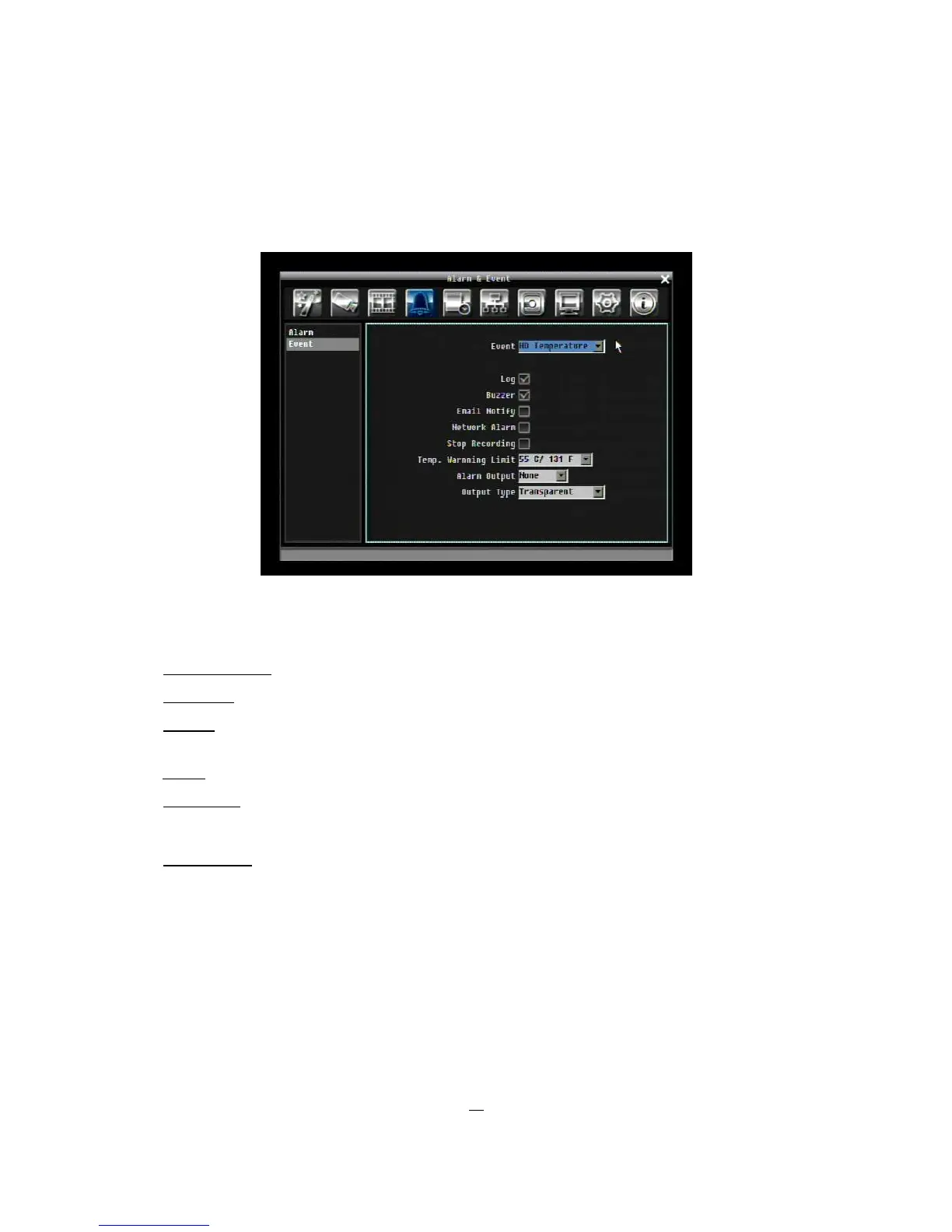
5.5.2 Event
This section covers internal system event warnings.
Figure 5-11 Alarm & Event Menu – Event
Event: Select from the following event types.
HD Temperature: Hard drive is over the safety warning temperature
HD Failure: If DVR fails to detect a HDD on start up, the system will create a HD failure event.
HD Full: If the DVR is not set to Overwrite in the Record Menu, an event will be created when all HDDs
are filled.
HD Off: If HDDs are switched off or are removed, the DVR will create a HD OFF event.
Power Loss: The DVR keeps a record of any time the system is powered off.
NOTES: When using a contact output for this feature, make sure the control output is 5V effective.
Network Loss: If connection to network is lost, DVR will create a Network Loss event.
NOTE: This function only checks physical connection to the network. Any network behavior that blocks
connection (blocked ports, wrong IP setup, etc.) is not detected by this function.











 To Next Page