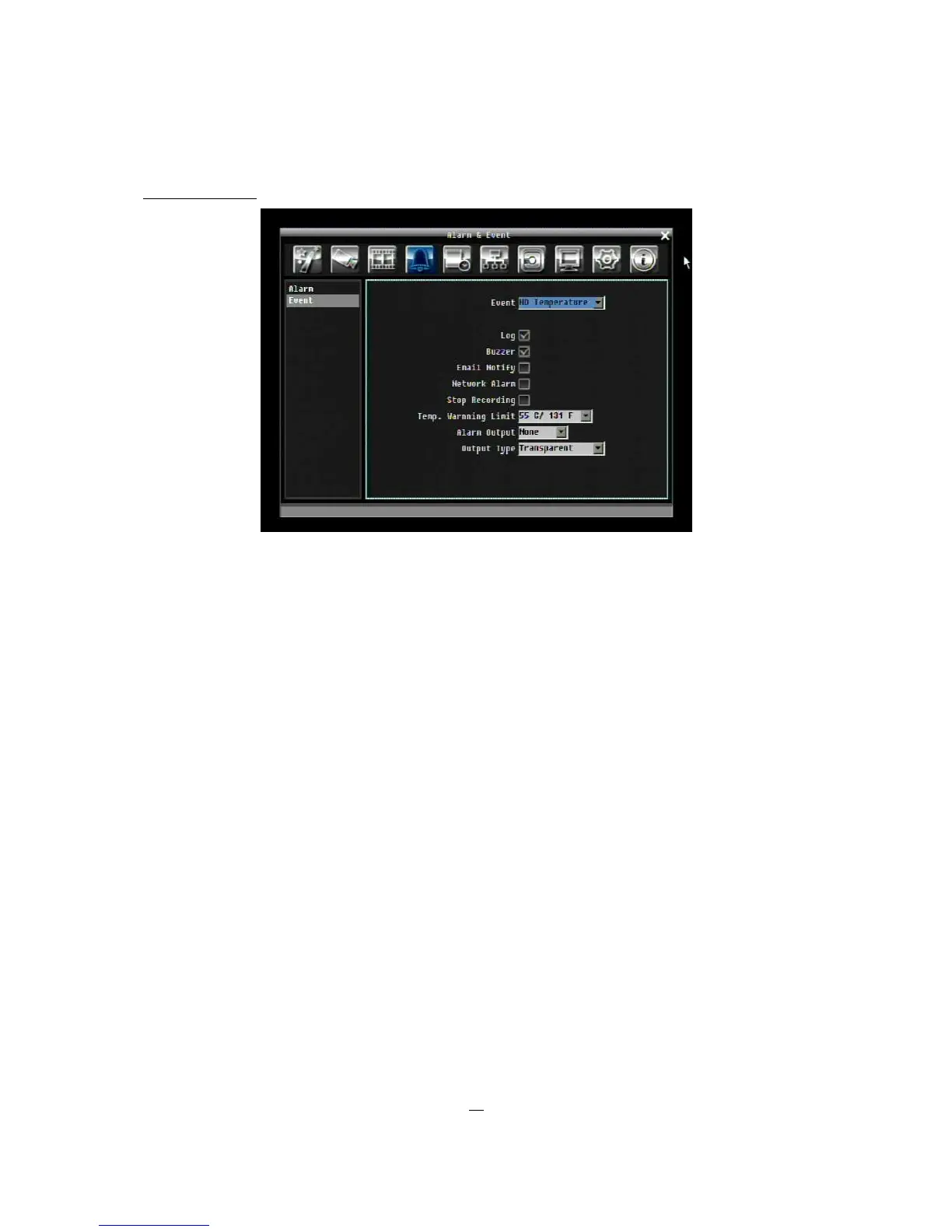
HD Temperature:
Figure 5-12 Alarm & Event Menu – Event - HD Temperature
Log: Check box to record events in the log.
Buzzer: Check box to enable buzzer when hard drive’s temperature is over the “Temp. Warning Limit”.
Email Notify: Check box to enable email notification when temperature is over the “Temp. Warning Limit”.
Network Alarm: Check box to send out a network alarm to client PC. (requires PowerCon software and
setting up Alarm Server in Network Setup menu)
Stop Recording: Check box to stop recording when HD’s temperature is over the “Temp. Warning Limit”.
Temp. Warning Limit: Sets the trigger temperature for all other active settings in HD Temperature.
Choose from 55°C /131°F~85°C /185°F.
Alarm Output: This will transmit a signal through one of the alarm outputs. It can be set to either “NONE”
(not active) or, “1””.
Output Type: Output action is locked to Transparent.











 To Next Page