4 GENERAL DVR OPERATIONS
This chapter introduces the operations on major functions including playback, layout change, sequence,
triplex operations, copy, and search.
4.1 RECORD
By default, the ELR series DVR will always be in record mode. When the DVR is turned on, it will start to
record.
The exceptions are:
1. DVR will not record any uninstalled cameras (Refer to section 5.3.1 for more detail)
2. If a schedule is active, ELR DVR will follow the record settings of the schedule.
4.2 LOGIN
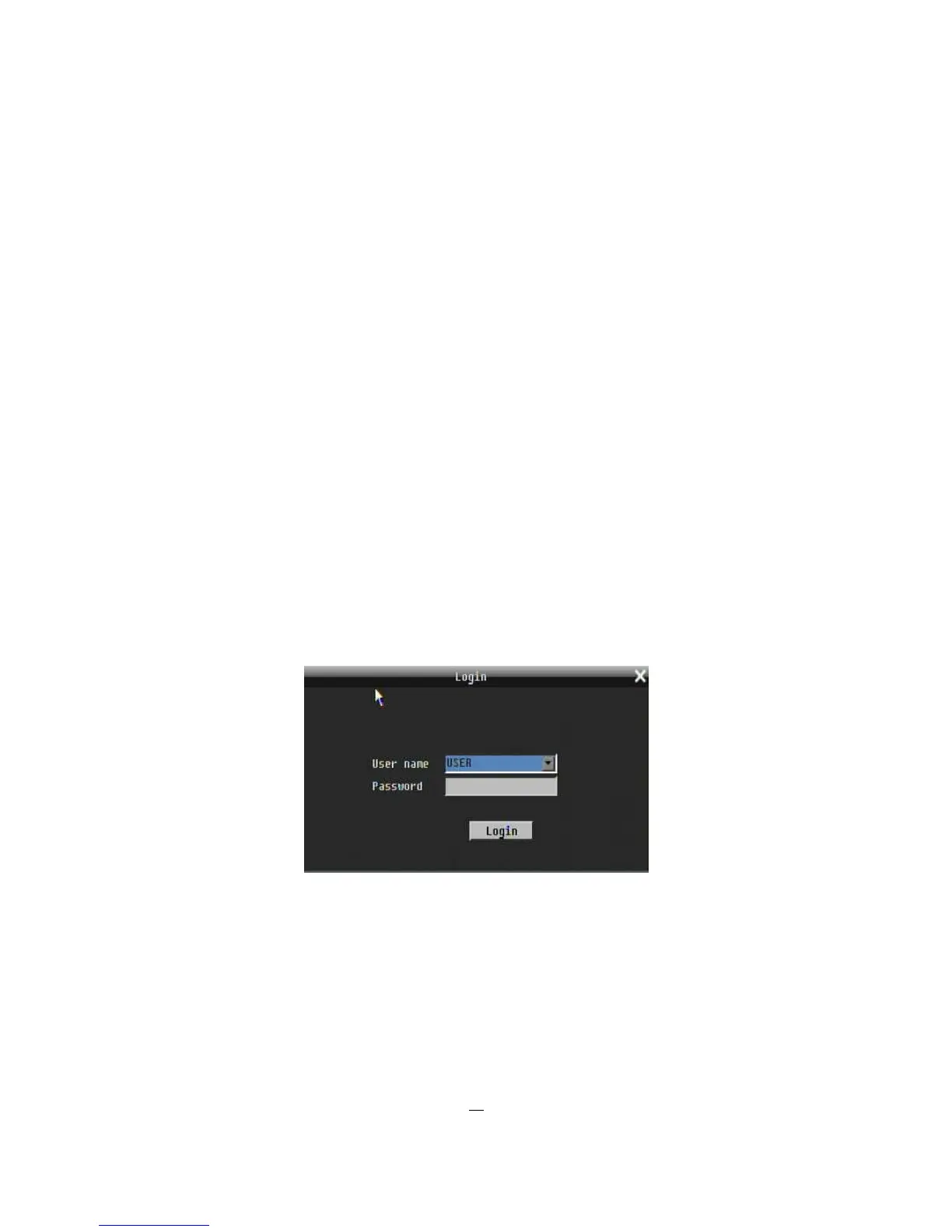
In order to access ELR options, users may be asked to log in for authority identification. To log in, follow
these steps.
1. Click (or press “Enter” key) on the Configuration icon to bring up the following screen:
Figure 4-1 Login page
2. Select the user name from the drop-down list and input the password. The defaults are:
User name: admin (lower case)
Password: 11111111











 To Next Page