Edit
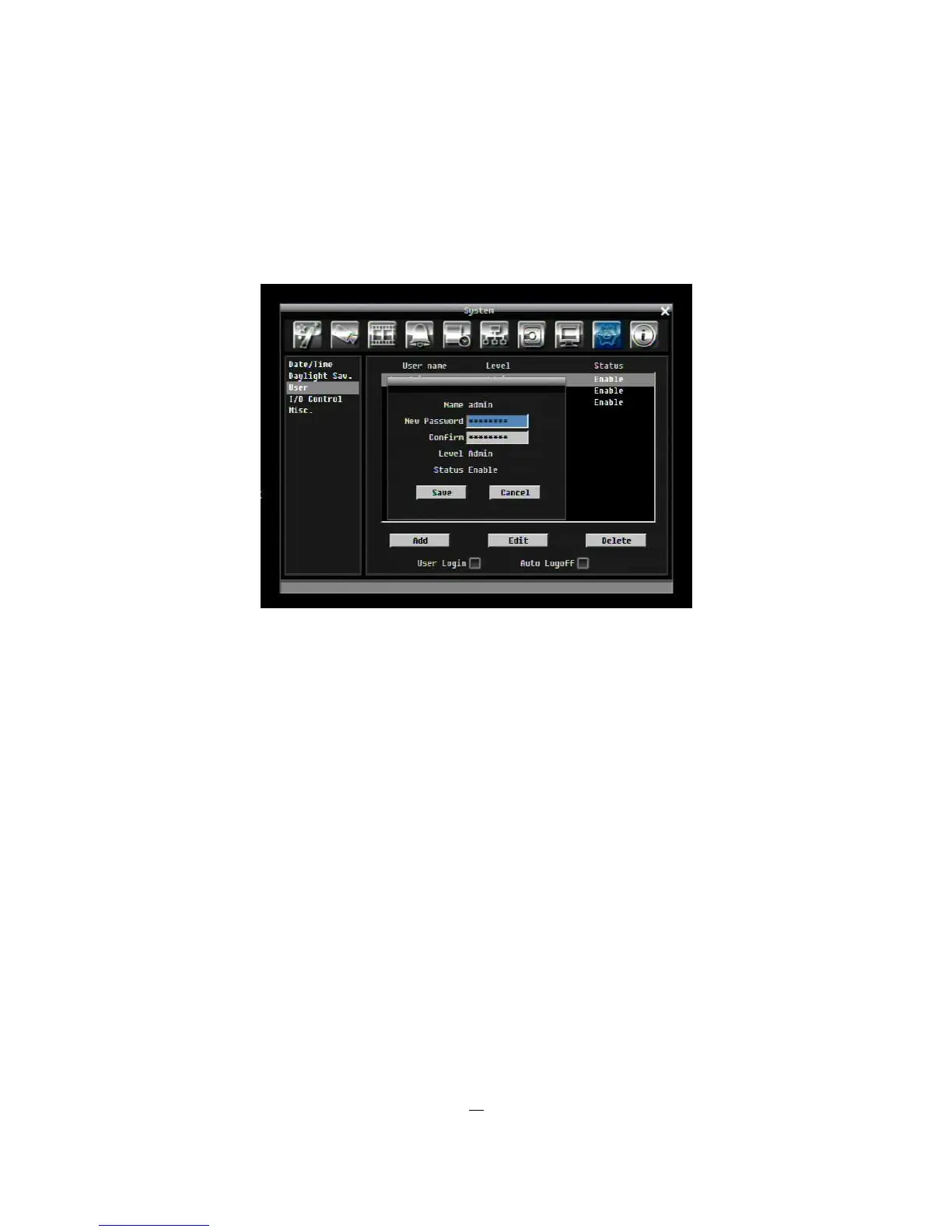
Click “Edit” button to make changes to an existing user account. Press “Save” button to save changes or
“Cancel” to exit without making changes.
Figure 5-34 System Menu – User - Edit
User Login: Check this box to activate user login. When this is disabled, no username or password is
required to access the system, and all users operate with ADMIN rights.
Auto Logoff: Check this box to automatically logoff the current user after 3 minutes of inactivity.











 To Next Page