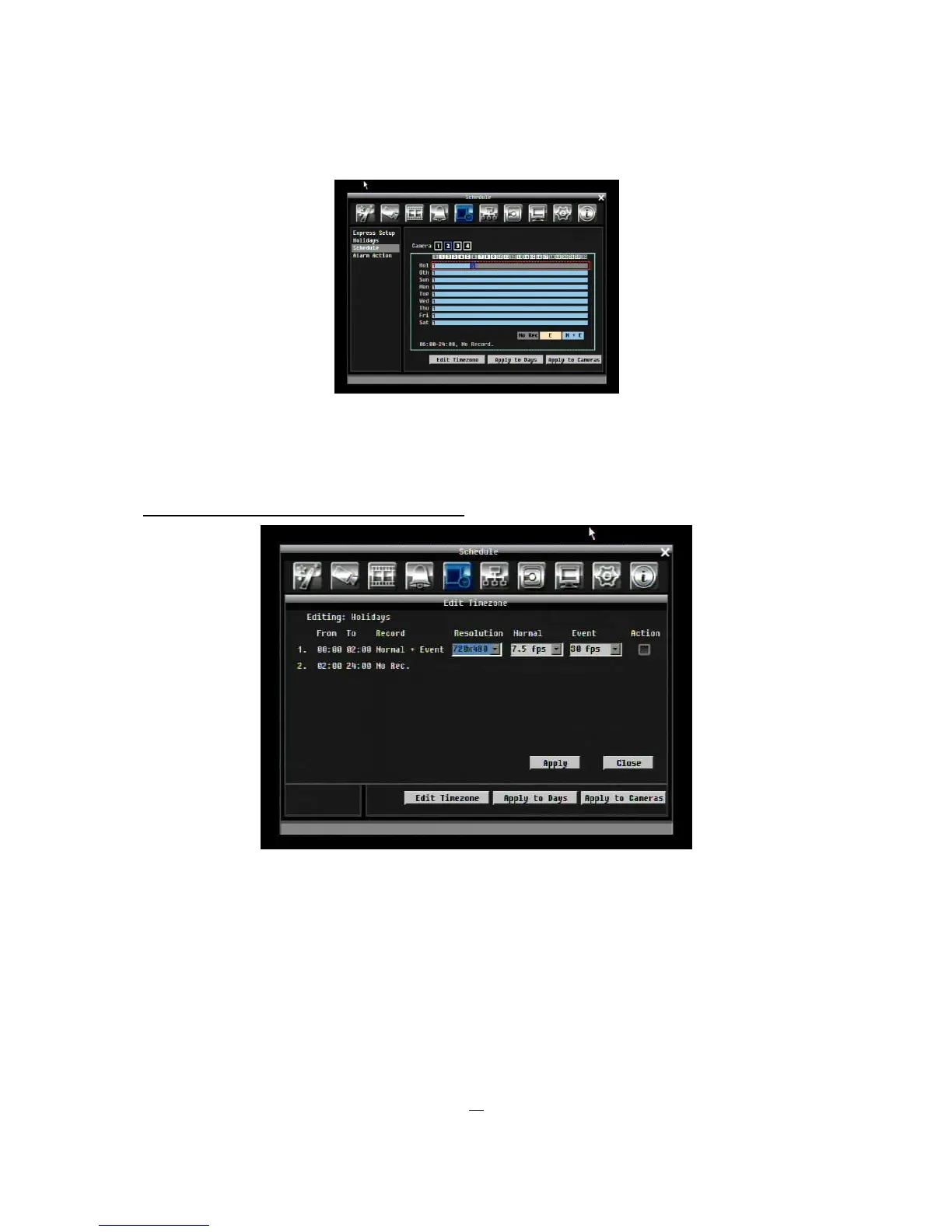
7. Changing recording mode (color) of a timezone: Use Right/Left arrow key to switch to the first block
(with number on it) of a timezone. Clicking Enter button, and this timezone will switch to another color,
which means switching to another record mode. The color switch sequence is gray->orange->blue.
Press “Edit Timezone” button to edit the time zone.
Figure 5-21 Schedule Menu-Schedule-Edit Timezone
Editing Timezone:
From: Displays schedule start time
To: Displays schedule end time
Record: Displays Record mode
Resolution: Select recording resolution.











 To Next Page