04-2017 5325 00 15
It takes several minutes for the brewing unit
to be washed.
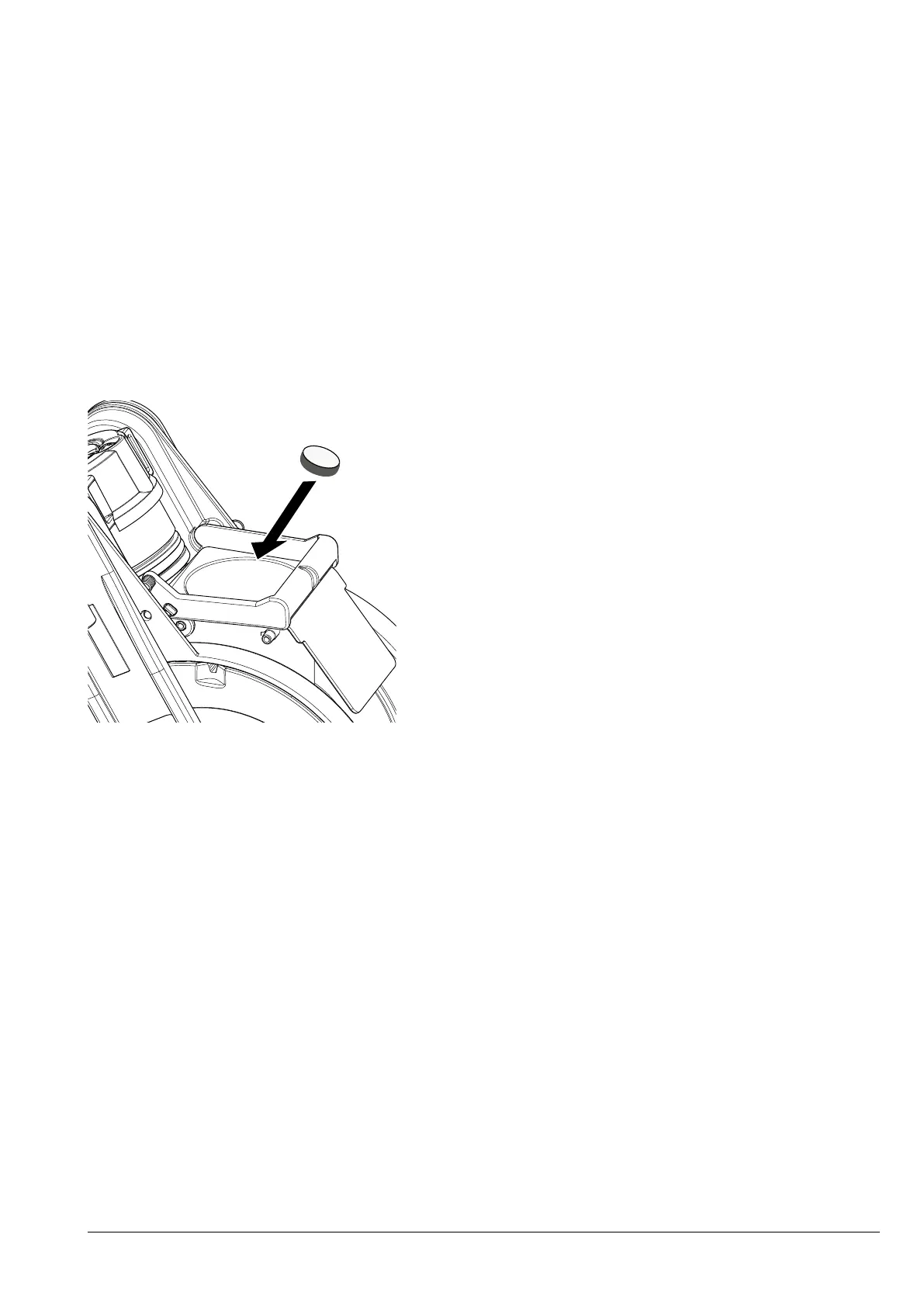
1. Add the detergent by dropping it under-
neath the coffee chute.
2. Start the detergent cycle.
Warning!
If for any reason the detergent cycle is
interrupted (e.g. manual interruption,
is restarted a new rinse cycle is re-
quired in order to remove any residues
from the detergent cycle.
once again.
Fig. 12
CLEANING THE TOUCHSCREEN
The touchscreen is touch sensitive; a re-
duction in sensitivity and/or functional
changes is/are caused by an accumulation
of dirt on the touchscreen.
Use a soft, dry, cloth when cleaning and
avoid using abrasive products which
contain solvents or alcohol.
Clean the touchscreen using a little pres-
sure.
SERVICE SUSPENSION
for a long period, it is necessary to:
1. Completely empty the product contain-
ers and wash them carefully with sterilis-
ing products.
2. Completely empty the grinder by dis-
pensing coffee until the empty warning
appears.
3. Sanitise the mixers, brewing unit and
food circuits.
4. Close the tap positioned upstream of the
water hose and completely empty the
hydraulic circuit.
For appliances that use tanks, drain any
residual water and sanitise it.
5. Disconnect the appliance from the power
supply.
Before re-using the appliance, it must
be cleaned and sanitised.



 To Next Page