38 04-2017 5325 00
powDEr spEED
Sets the working speed of the motor-doser
powDEr DElay
An instant powder time delay can be set
so that it starts after the water has been
dispensed into the mixer (activation of the
pump/ solenoid valve).
stEp
The instant powder is dispensed at regular
intervals simultaneously with the water.
Set how many steps are required to dis-
pense instant powder whilst the water is be-
ing dispensed.
Set the steps according to the powder
used, in order to obtain a high-quality and
well-presented beverage.
DEcaffEiNatED coffEE cyclE
The instant powder is dispensed before the
water to improve the presentation of the
beverage.
Enabling this option is recommended for
coNtaiNErs
According to the machine layout, how the
product containers have been arranged can
be shown.
Choose a container in order to:
-Assign a name to the container.
-Associate an ingredient to the container
(chocolate, espresso, 2 espressos, etc.).
-Set the maximum capacity of the container
in order to manage the "product running
out" check.
-Change the colour associated with the
container.
mEcHaNical layout
-
tion used by the appliance.
It shows the arrangement of the containers
and main functional groups.
The appliance's new mechanical settings
can be indicated to the software.
-
The appliance adjusts the operating
cycles of the functional units according
to the choices that have been made.
Settings that do not comply with the
and cause damage to the appliance.
MACHINE SETTINGS
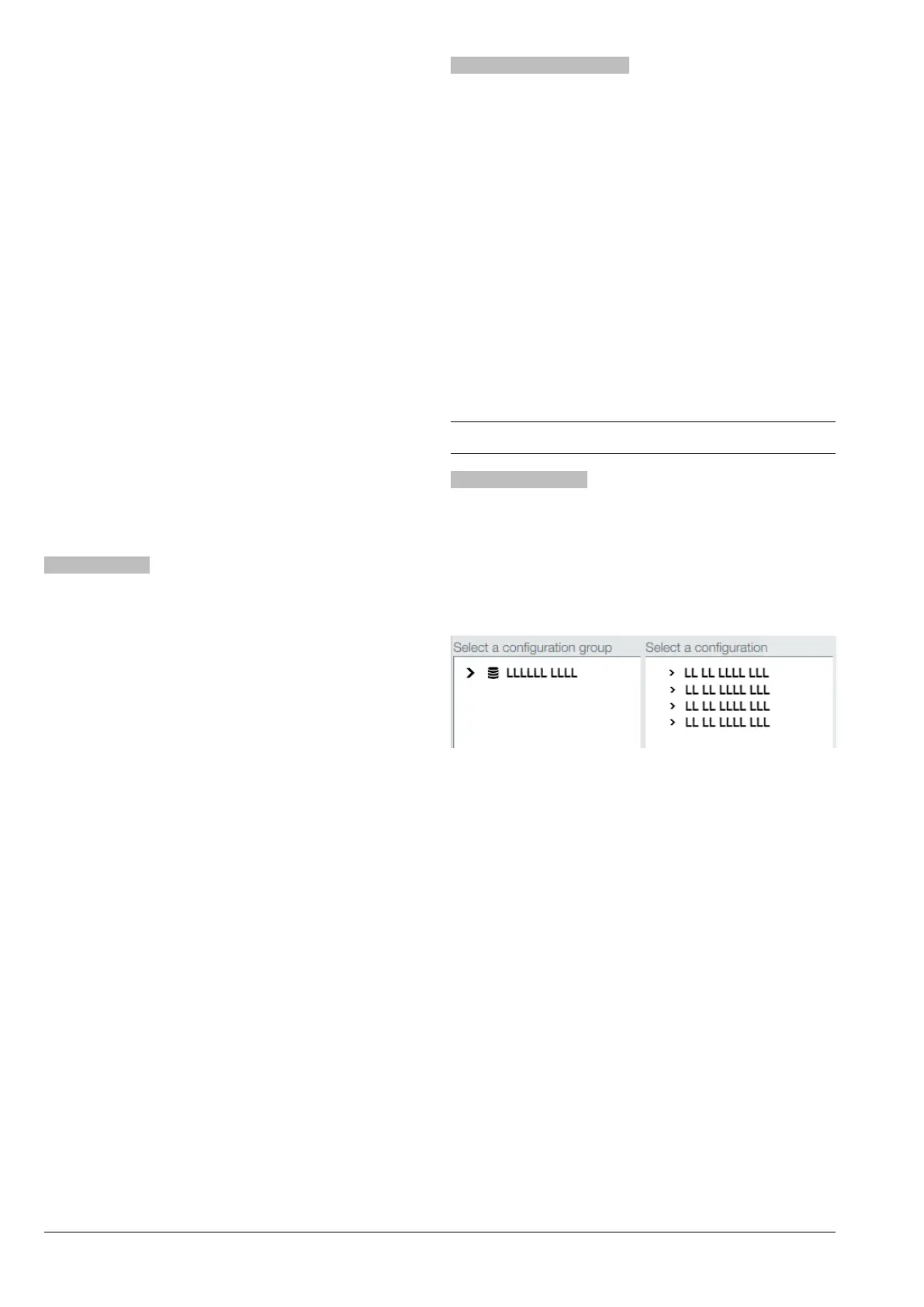
coNfiguratioN
sElEct
coNfiguratioN
It lets the appliance’s group (e.g. by coun-
be managed.
Fig. 34
-
cated.
decide whether to reset the statistical data,
calibrations, and maintenance counters or
not.



 To Next Page