04-2017 5325 00 29
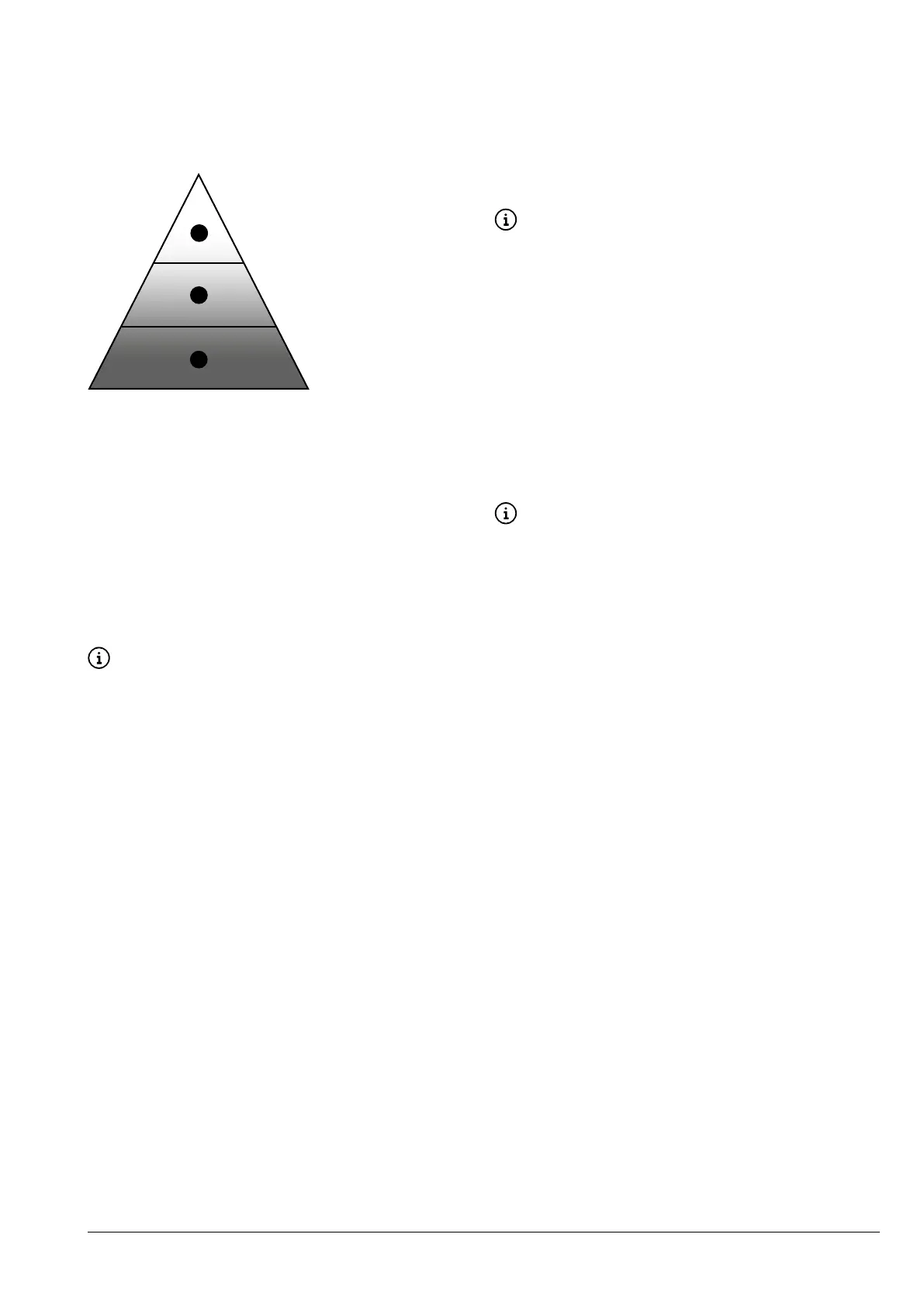
SOFTWARE ARCHITECTURE
To work, the appliance requires an operat-
ing system and application software.
The settings/customisations are managed
by the application software.
1
2
3
Fig. 25
1. Operating system
2. Application software
3. Settings / customisations
opEratiNg systEm
The operating system provides the basic
functions for resource management, com-
munication with peripheral devices and
coordination of the various activities.
The operating system is needed in order to
install the application software and use the
appliance.
The operating system update com-
pletely erases the CPU memory, includ-
ing the application software, custom-
ised settings and statistical data.
applicatioN softwarE
The application software enables the appli-
ance’s features to be used and the settings
to be changed via the graphical user inter-
face (GUI).
The application software does not work
without the operating system.
The application software update
does not delete the operating system
have been set up.
sEttiNgs aND customisatioNs
Recipes, calibrations and the graphical
user interface can be set and customised
with the application software.
The settings/customisations also include
-
base.
These settings can be saved in order to be
imported and used on other appliances.
-
sations on other appliances, the appli-
cation software and operating system
least the same version as the one that
they were exported from.
compatible with older software ver-
sions.



 To Next Page