62
Chapter 13. Maintenance/Repair Instructions for Electric Apparatus
Warning: “Turn off power or push E-STOP button before maintenance”
The electric parts and apparatus inside the saw machine are with CE standard and approval, and certified safety
and quality. Using frequency, history, operation, and plant environment may affect the precision and life span
of such machines, please refer to following notices and instructions for proper maintenance.
※ All maintenance/repair must be undertaken by qualified technician after power off, manual and circuit
must be read carefully beforehand.
13-1. White Lamp of POWER Indicator Not Lighting
White lamp of POWER indicator not lighting
a. Not to turn “ON”
b. Not alive current
c. Damaged fuse
d. Damaged lamp
a. Turn to “ON”
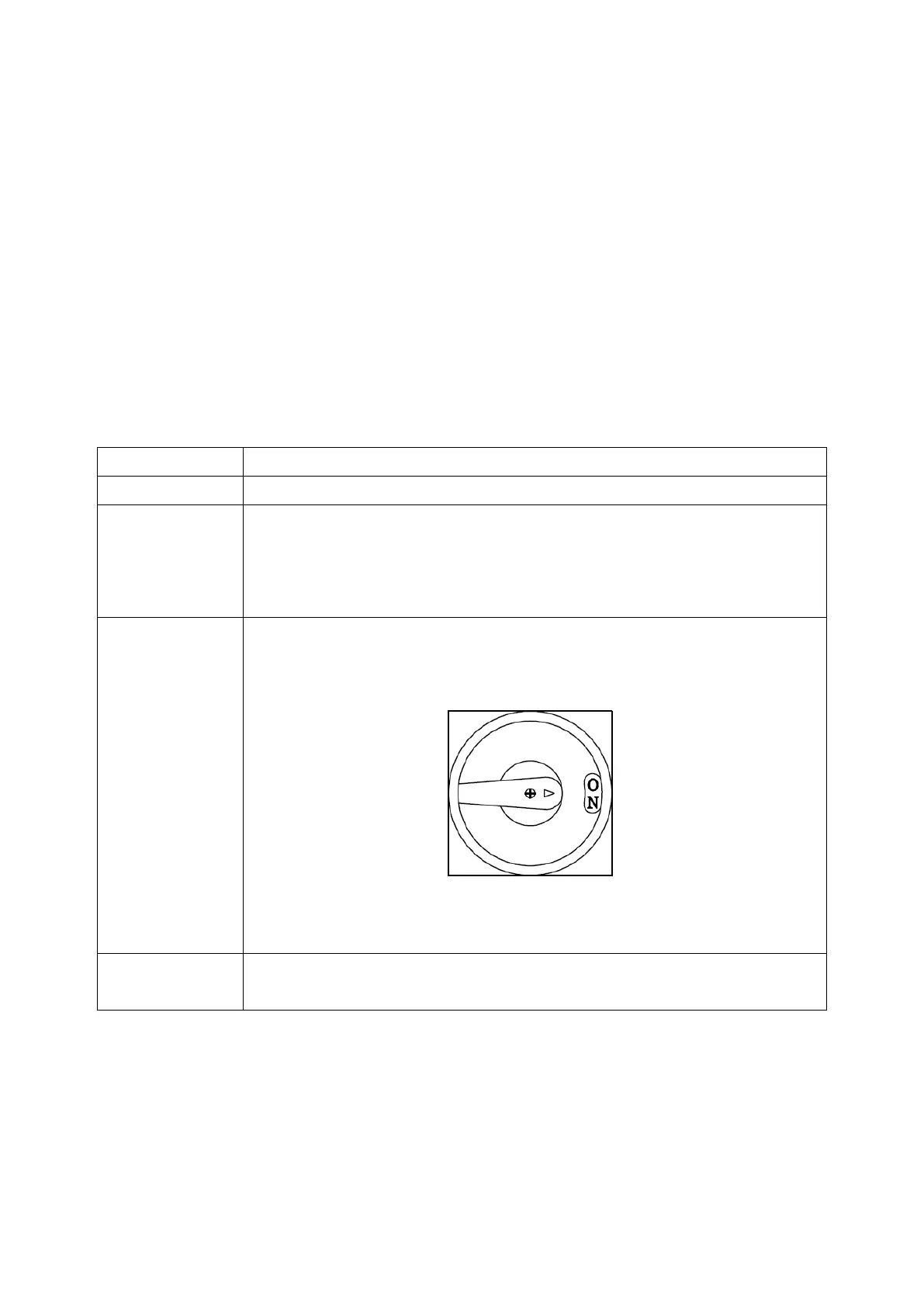
b. Use a meter to check the power, and turn the safety switch to ON , as
following illustration:
c. To check the fuse normality which should be 10A
d. To check the lamp normality, voltage of lamp is 24V
Use the right specifications of fuse and lamp, or contact local dealer/producer
for the supply of parts


 To Next Page