30
5-7. Controlling Units
Inter locking guard
close
O: work
X : doesn’t work
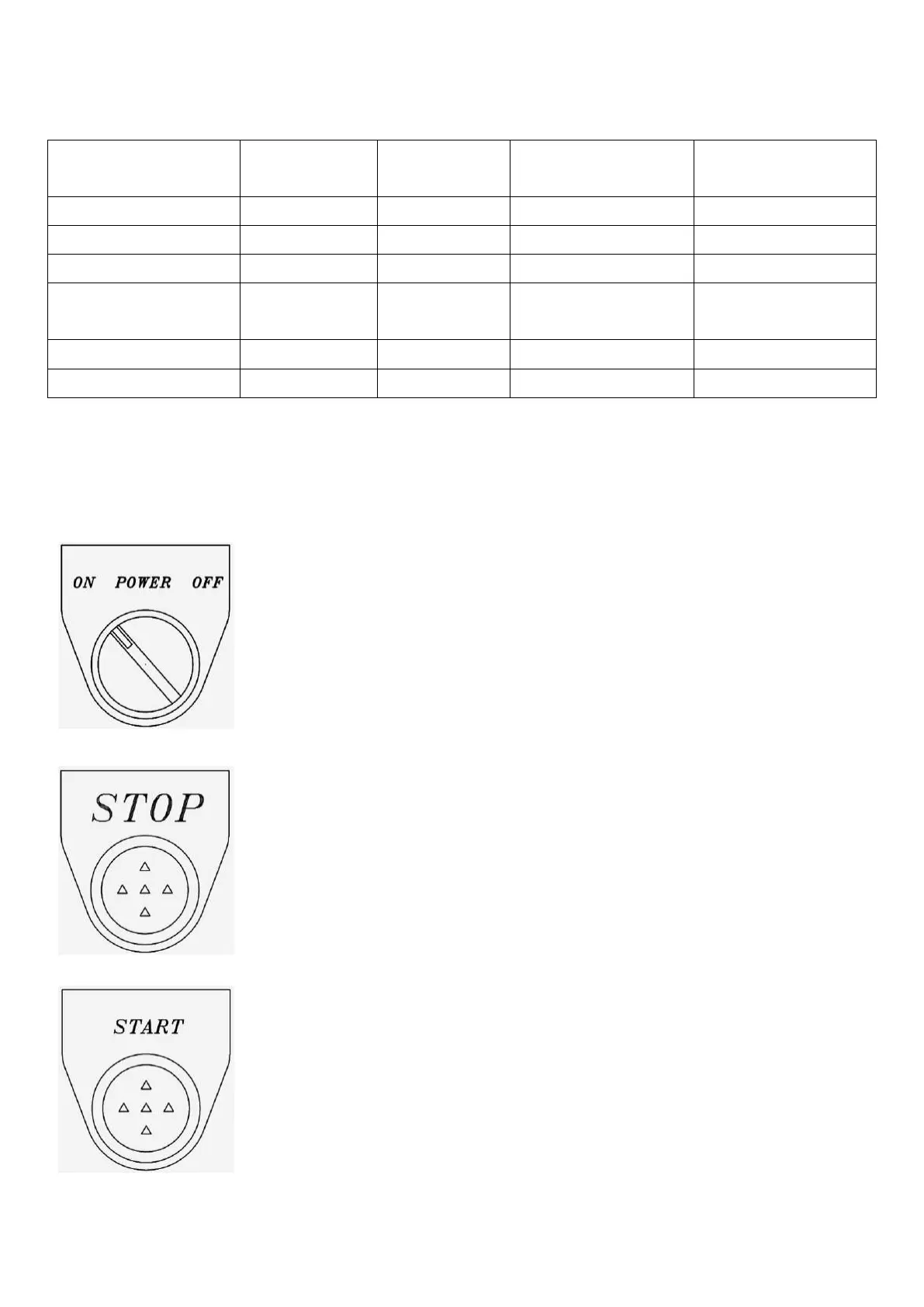
1. Selective switch, used to control the power supply.
2. Turn ON to power the main motor.
3. Turn OFF to stop the power supply.
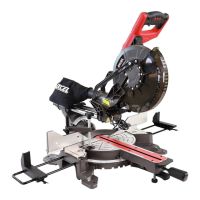
1. Stop the main motor under normal operation (stop sawing).
2. STOP BUTTON of KP-200 has stopping and lifting function
(lifting is done by inching).
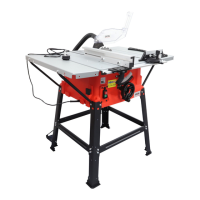
1. Start the main motor (start sawing).
2. All preparations must be finished before pressing this button.


 To Next Page