EasyManua.ls Logo

EXFO FIP-435B - User Manual

EXFO FIP-435B
163 pages
Print Icon
To Next Page IconTo Next Page
Loading...
User Guide
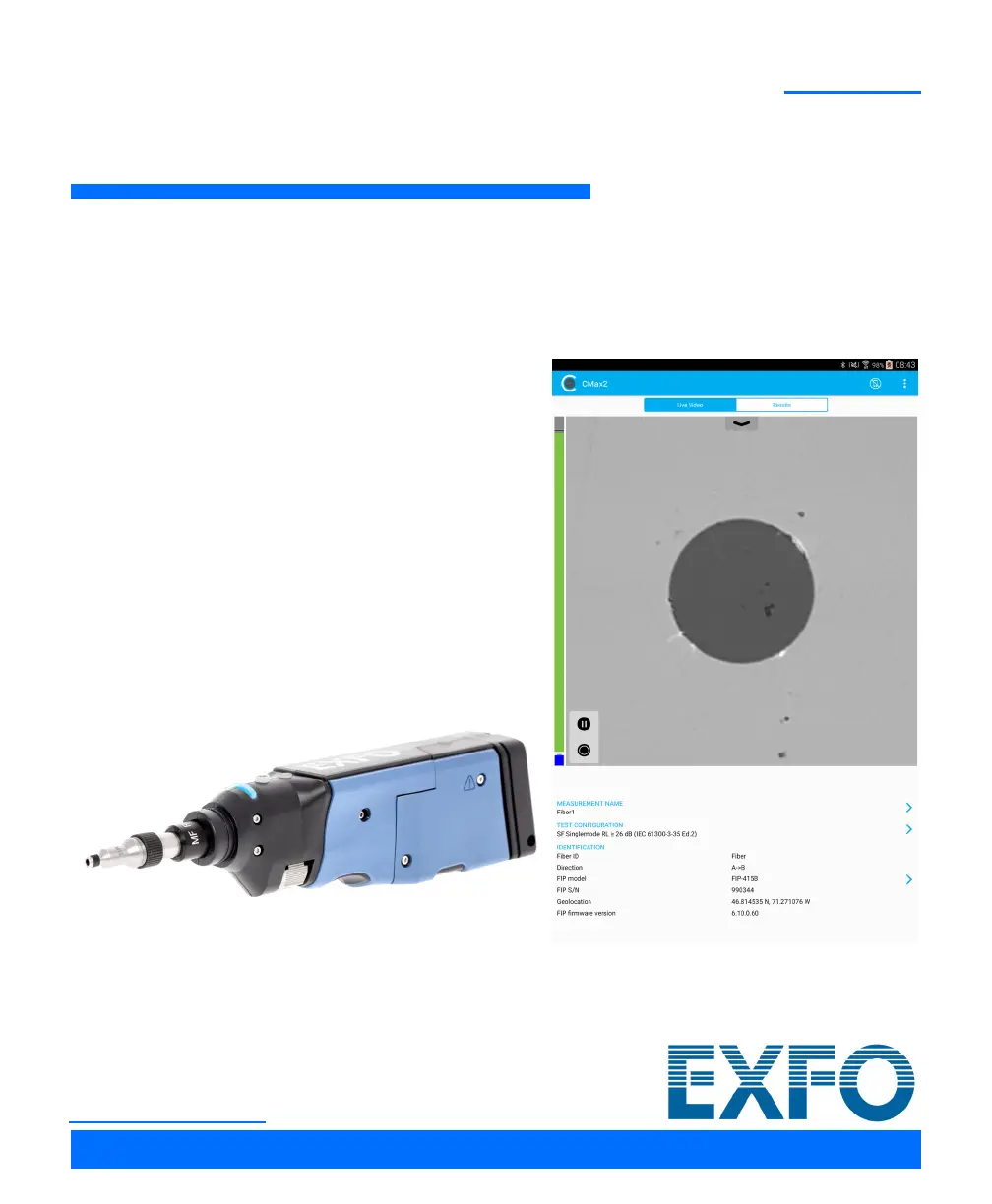
Fiber Inspection Probe and
ConnectorMax2 Mobile (Android)
FIP-400B
www.EXFO.com

Table of Contents

Questions and Answers

  • V
    vmirandaSep 12, 2025
    What does it mean when the FIP status LED blinks red after capture on EXFO Analytical Instruments?
    • A
      Allison OrtizSep 12, 2025
      If the FIP status LED blinks red for 2 seconds when a capture is performed and no analysis results are available on your EXFO Analytical Instruments, there was an analysis error. Repeat the inspection process.
  • B
    Betty ThorntonSep 14, 2025
    Why does the status LED blink magenta at startup on my EXFO FIP-435B Analytical Instruments?
    • R
      Randy HarrisonSep 14, 2025
      If the status LED blinks magenta at startup on your EXFO Analytical Instruments, the probe is in standalone mode. Connect to the probe from ConnectorMax2 Mobile to return to standard mode.

Summary

Introducing the FIP-400 B Fiber Inspection Probe and ConnectorMax2 Mobile

ConnectorMax2 Mobile Software

Introduction to the ConnectorMax2 Mobile application for fiber inspection.

Safety Information

Other Safety Symbols on Your Unit

Explains various safety symbols that may appear on the unit.

Laser Safety Information for the Multifiber Source

Specific safety guidelines related to laser radiation from the Multifiber Source.

Electrical Safety Information

Safety precautions related to the electrical aspects of the probe and its accessories.

Setting up Your Fiber Inspection Probe and ConnectorMax2 Mobile

Preparing to Use the Mobile Application

Steps required before using the ConnectorMax2 Mobile application.

Connecting or Disconnecting the Wireless Probe

Instructions on how to establish and terminate wireless connections with the probe.

Inspecting Fiber Ends

Inspecting Fiber Ends (Single Fiber and Transceiver - Fiber Receptacles)

Step-by-step guide for inspecting single fiber and transceiver connectors.

Inspecting Multiple Fiber Ends (MF-Ready Probes Only)

Procedure for inspecting multiple fibers using MF-Ready probes.

Analyzing Captures

Understanding the analysis features like auto-centering, auto-focus, auto-capture, and auto-analysis.

Using the Probe in Standalone Mode

Operating the probe without a connected smart device for basic pass/fail status.

Updating the Firmware

Instructions on how to perform firmware updates for the probe.

Working with a Multifiber Source

Turning On or Off the Multifiber Source

Procedures for powering the Multifiber Source unit on and off.

Setting up the Multifiber Source

Connecting and configuring the MFS for continuity and polarity testing.

Understanding Fiber Continuity

Explains the concept of fiber continuity and its analysis.

Understanding Fiber Polarity

Explanation of fiber polarity types (A, B, C) in multifiber patchcords.

Maintenance

Battery Safety Recommendations

Important safety guidelines for handling and replacing the device's battery.

Troubleshooting

Solving Common Problems

A table listing common issues and their corresponding solutions.

EXFO FIP-435B Specifications

General IconGeneral
ConnectivityUSB
Image SensorCMOS
TypeFiber Inspection Probe
Camera Resolution1.3 MP
DisplayLCD
Battery Life8 hours (continuous use)
Wavelength Range400 nm to 700 nm
Power Measurement Range-30 dBm to +10 dBm
Power Measurement Accuracy±0.5 dB
Wavelength Accuracy±1 nm
Resolution Bandwidth10 nm
Dynamic Range≥ 45 dB
Operating Temperature0°C to 50°C

Related product manuals