Preparing for Automation
210 FTB-500
Configuring DCOM Access to Your Unit
Customizing the Specific Security Parameters
Once you have defined the general security parameters, you can define the
specific security parameters.
To customize the specific security parameters:
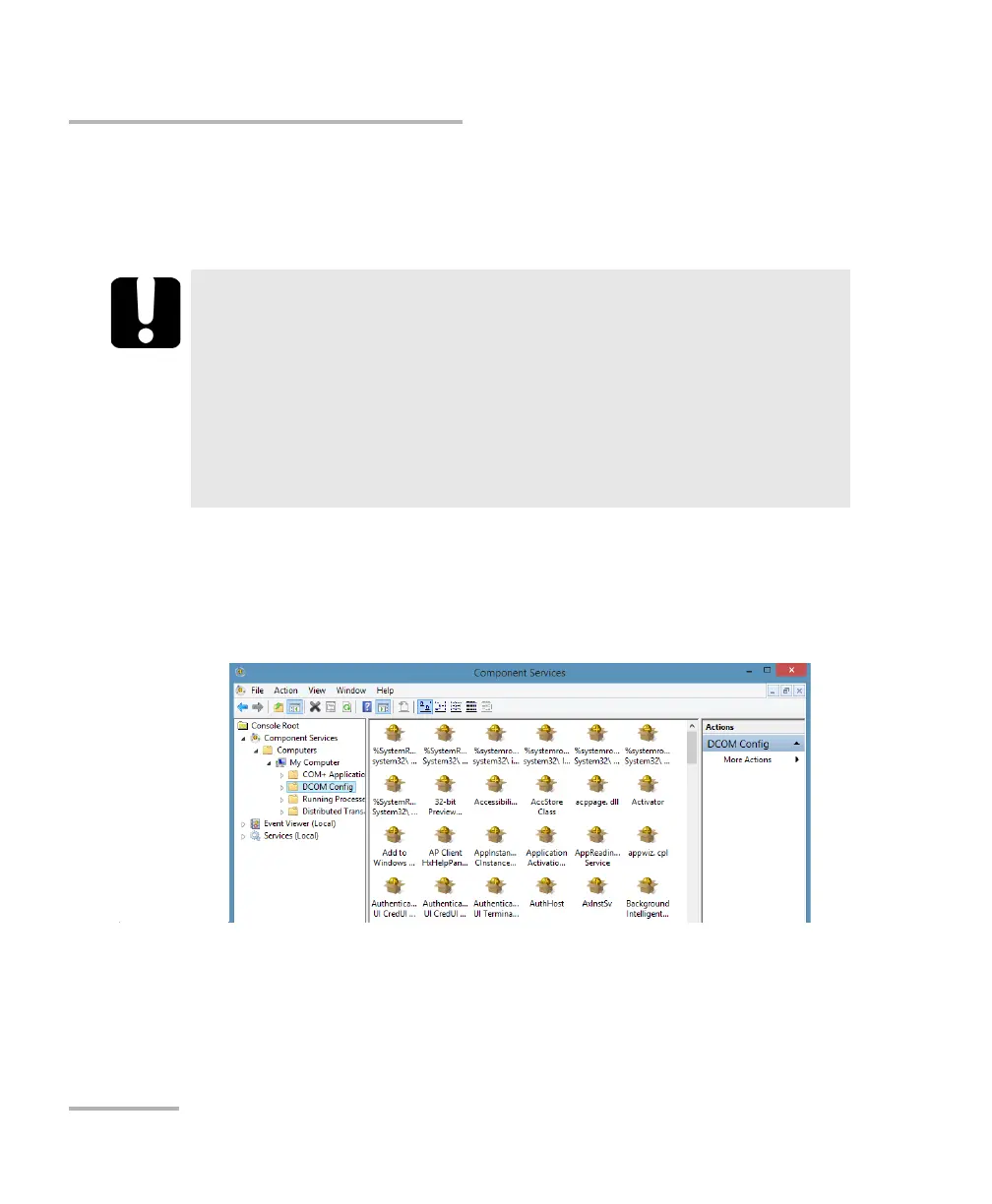
1. From the Component Services window, select: Console Root >
Component Services > Computers > My Computer > DCOM Config
to show the contents of the DCOM Config folder.
2. From DCOM Config, right-click EXFO KernosHost, and select
Properties.
IMPORTANT
Customizing access rights sets both remote AND local permissions.
As a result, you will have to specify every user who must have local
access to the system (see Setting the General Security Parameters
on page 200).
If you do not specify local access rights, no user will be able to
access EXFO KernosHost and, therefore, no user will be able to start
To o l B o x.



 To Next Page