Preparing for Automation
FTB-500 225
Preparing to Control Modules with a Dedicated Application
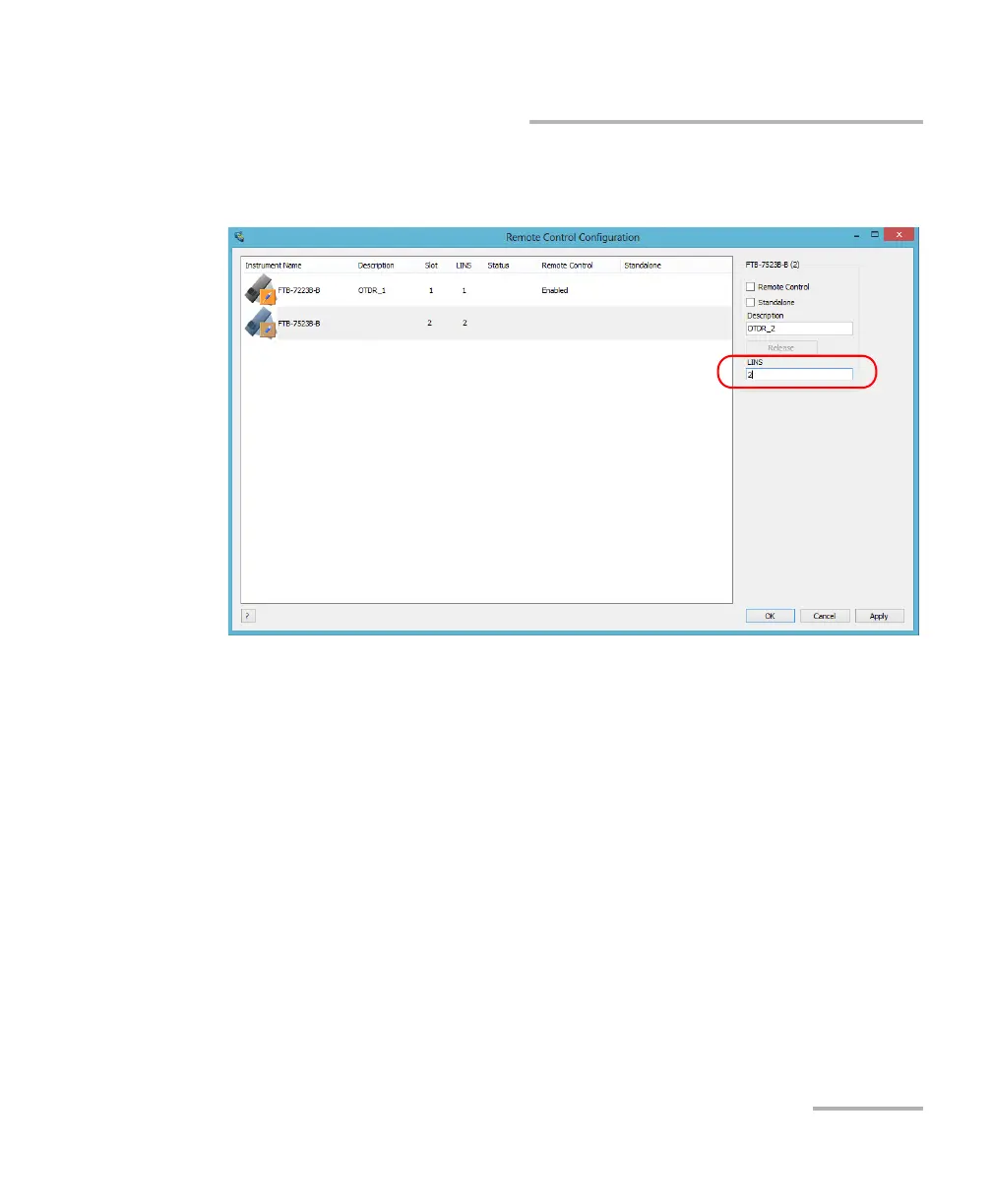
7. If necessary, under LINS, modify the logical instrument number that
you will use to access the instrument remotely.
Note: If you do not see the LINS column, it means that you cannot modify the
LINS value on your type of platform. Refer to the user guide of your modules
for more information on the LINS to use.
If you can see the LINS column, but the column is empty, it means that the
corresponding module cannot be controlled using SCPI commands.
8. Tap Apply to confirm your changes or OK to apply your changes and
close the window.
Note: This information will be updated the next time you start the module
application and will appear in the title bar if the module application allows
it. Refer to the corresponding module documentation for more details.



 To Next Page