Setting Up Your FTB-500
FTB-500 73
Customizing the Right-Click Feature
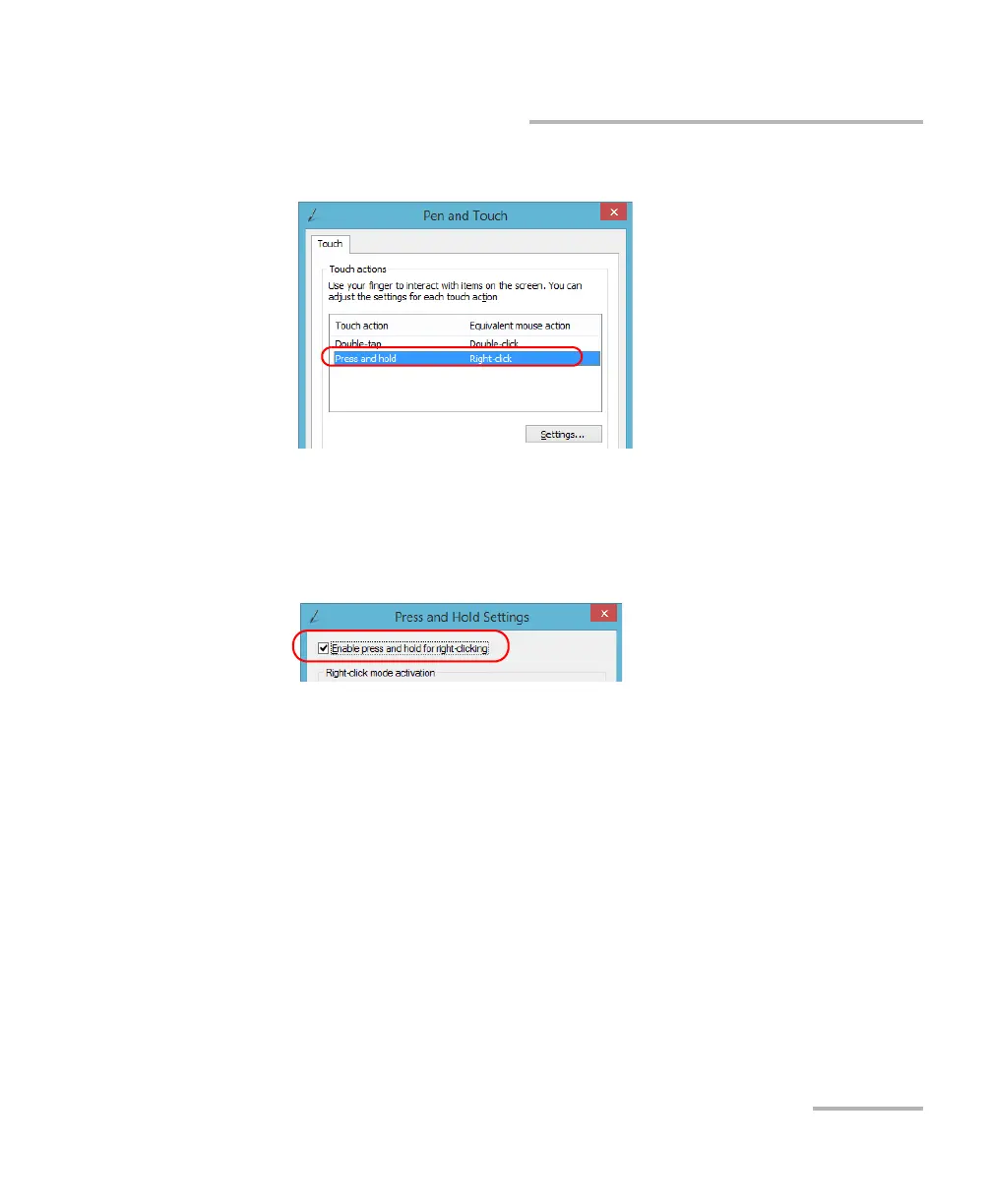
5. From the list, select Press and hold.
6. Tap Settings.
7. If you want to use the right-click feature with your unit, select the
Enable press and hold for right-clicking check box. Clear the check
box if you prefer not to use this feature.



 To Next Page