Setting Up Your FTB-500
86 FTB-500
Selecting the Language of Operation
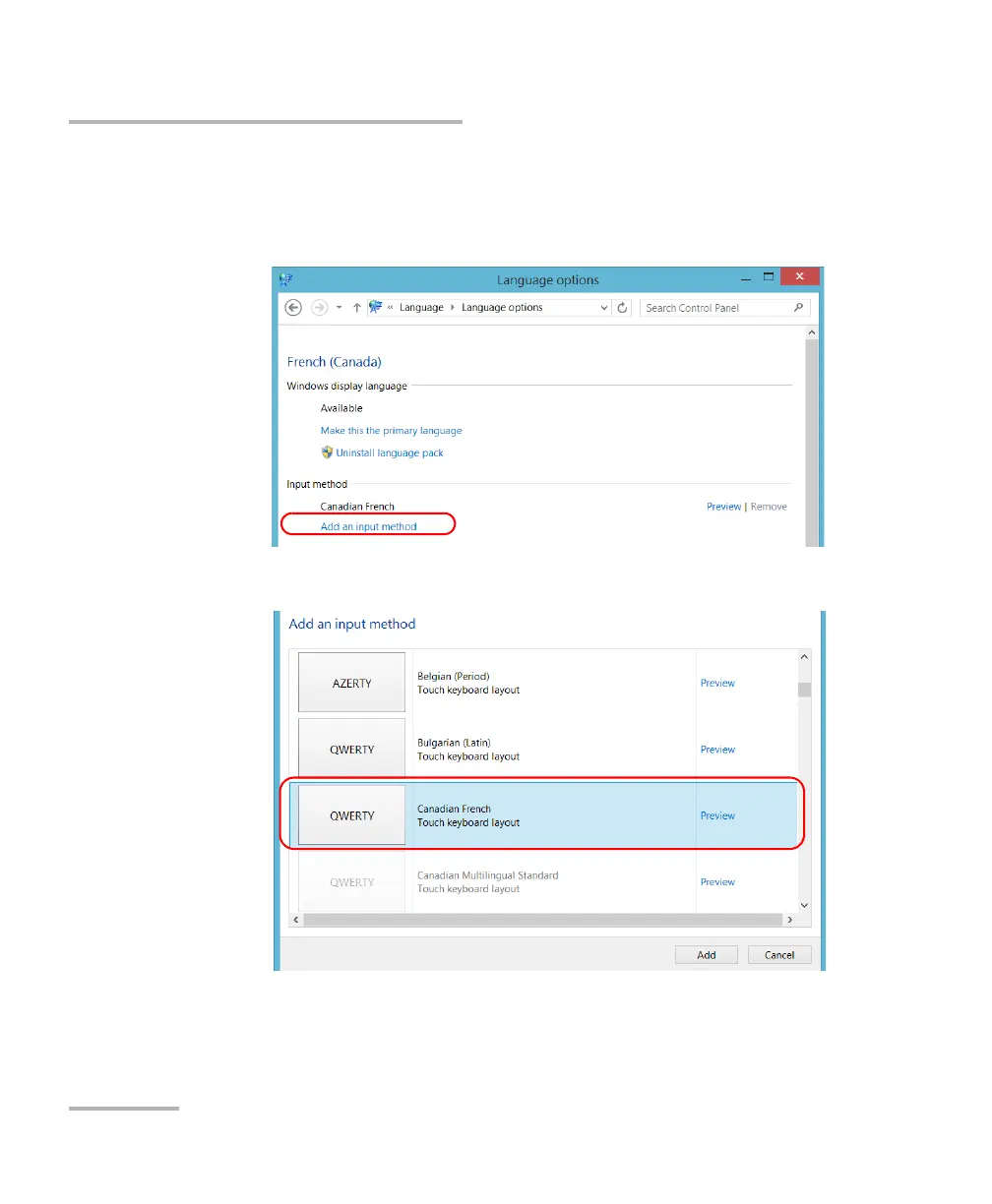
6. If you want to select another keyboard layout than the one that has
been added by default, proceed as follows.
6a. Under Input method, tap Add an input method.
6b. Select the desired keyboard layout, and then tap Add.



 To Next Page