Setting Up Your FTB-500
FTB-500 87
Selecting the Language of Operation
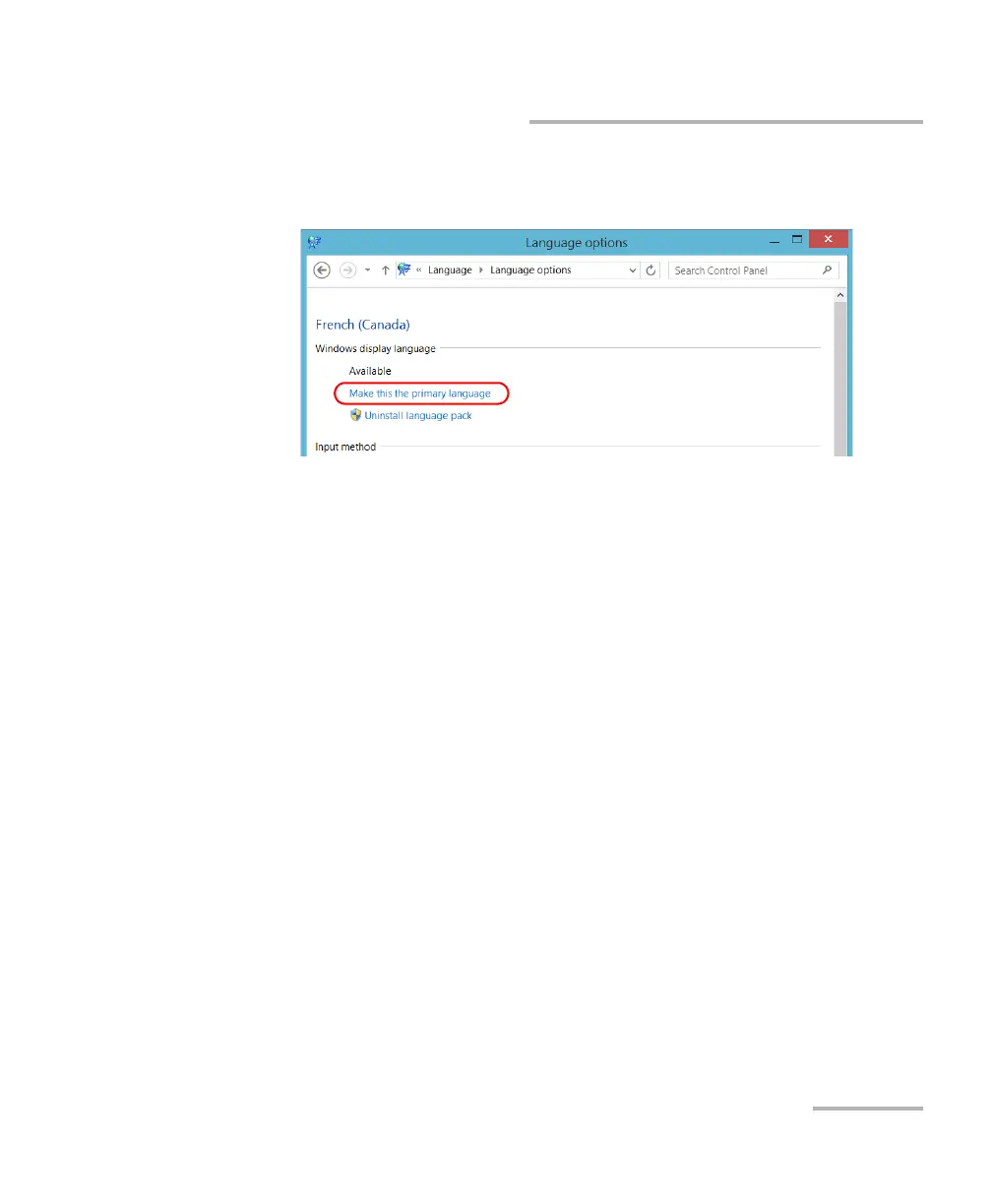
7. Under Windows display language, tap Make this the primary
language.
8. When the application prompts you to log off, tap Log off now.
9. Once you see the lock screen, swipe it down to reveal the user
accounts.
10. Log to your user account.
The new language is now selected and you are able to switch from one
input language to another.



 To Next Page