Setting Up Your FTB-500
88 FTB-500
Selecting the Language of Operation
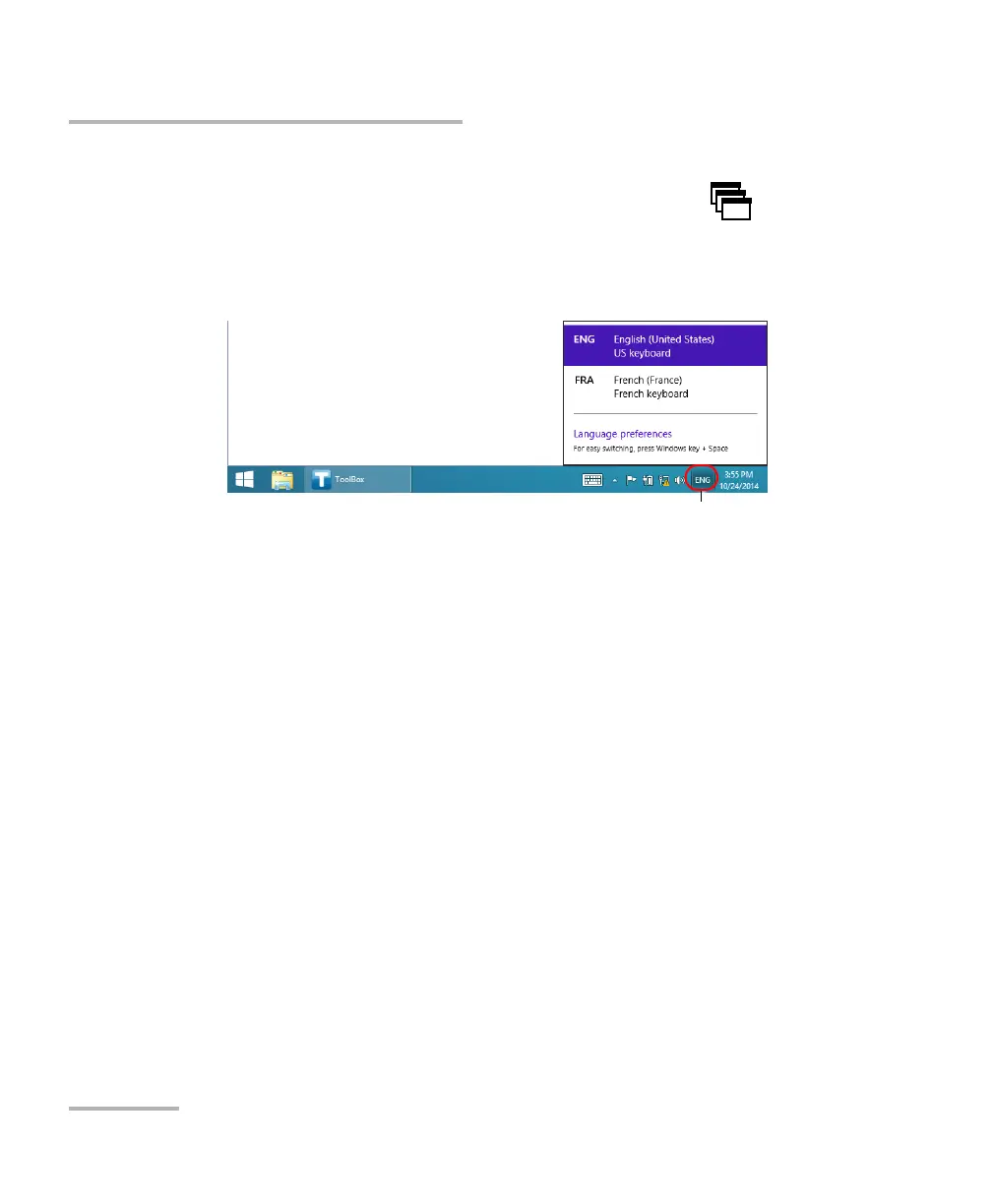
To switch from one of the available input languages to another:
1. If necessary, from the front panel of the unit, press the button to
show the taskbar.
2. From the taskbar, tap the language code to display the list of available
input languages.
3. From the list of languages, select the desired one.
You are now ready to start entering text in the selected input language.
Note: Modifying the input language does not modify the language of the
interface.
To download language packs:
1. Ensure that your unit has access to the Internet.
2. From the main window, tap the System Settings button.



 To Next Page