Test Control
540 FTB-700G/800 Series
Lpbk Tool Button (Loopback Tool)
Interface Tab
Physical Interface
Interface/Rate allows the selection of the loopback tool interface
rate: 10/100/1000M Electrical (default), 100M Optical,
1GE Optical, or 10GE LAN. 10GE LAN is only available when the
loopback tool runs on Port #1.
Connector displays the NetBlazer’s port for the selected
interface/rate.
Clock Mode: Displays the clock mode
Internal: Internal clock of the unit (STRATUM 3).
RX Power (dBm) indicates the current received power level of the
optical laser in dBm.
Green: Power level in range.
Yellow: Power level out-of-range.
Red: Loss of signal or power level is close to damage.
Gray: Invalid operational range value or not supported by the
optical transceiver.
Power Range (dBm) indicates, when supported, the received
power level range of the optical laser in dBm.
RX Frequency (MHz/GHz) indicates the frequency of the input
signal. When no frequency reading is possible, “--” is displayed.
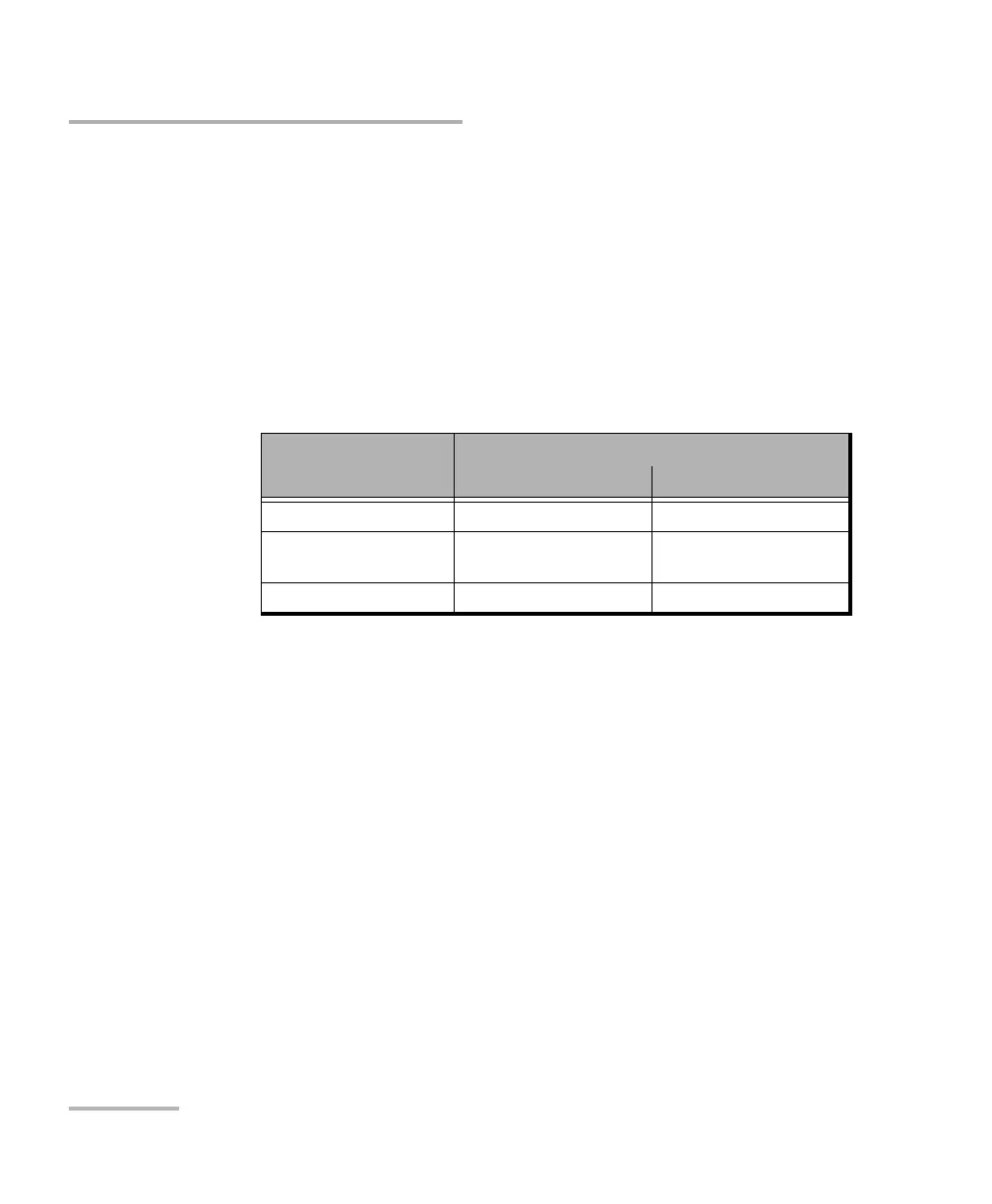
Interface/Rate
Connector
When using Port 1 When using Port 2
10GE LAN Port 1 - SFP+
1GE Optical
100M Optical
Port 1 - SFP Port 2 - SFP
10/100/1000M Electrical Port 1 - RJ45 Port 2 - RJ45












 To Next Page