Room Scheduling System • Room Agent Installation and Configuration 31
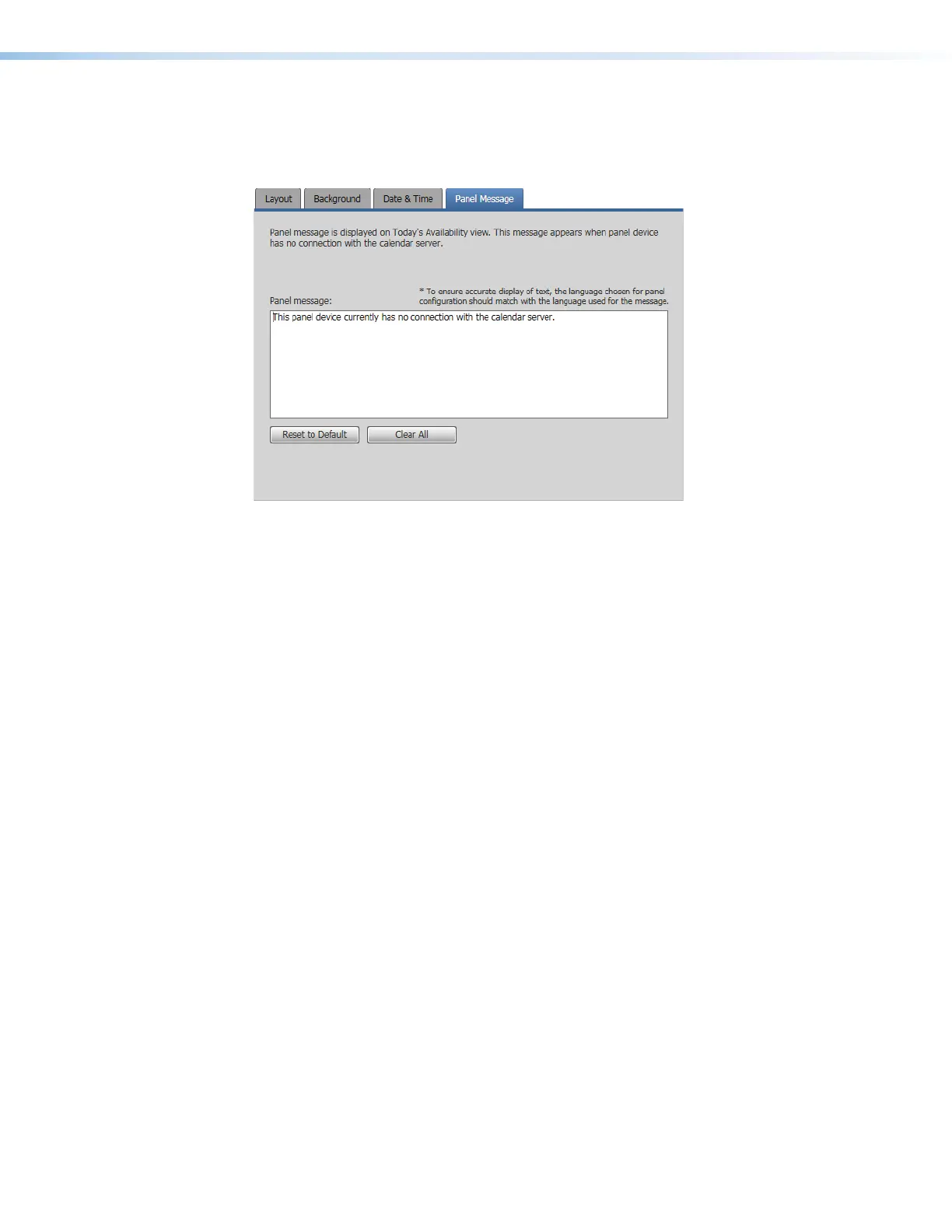
Panel Message tab
If necessary, click the Panel Message tab (see figure 26,
1
) to make changes to the
message displayed when the panel has no connection to the calendar server.
1111111111
1111
222222222222222222
3333333333
33333333
4444444444
4444
Figure 26. Panel Design Pane, Panel Message Tab
2
Panel message: field — Type in the panel message to be displayed.
3
Reset to Default button — Click to return the default panel message (displayed in
figure 55).
4
Clear All button — Click to clear the panel message.



 To Next Page