Room Scheduling System • Room Agent Installation and Configuration 40
10. Select one or more checkboxes for the panels that you want to update (see figure 34,
3
and
4
on the previous page). Ensure that you have the correct firmware file
selected for the panels you select.
11. Once firmware files and panels are selected, the Update Firmware button becomes
available for selection (
5
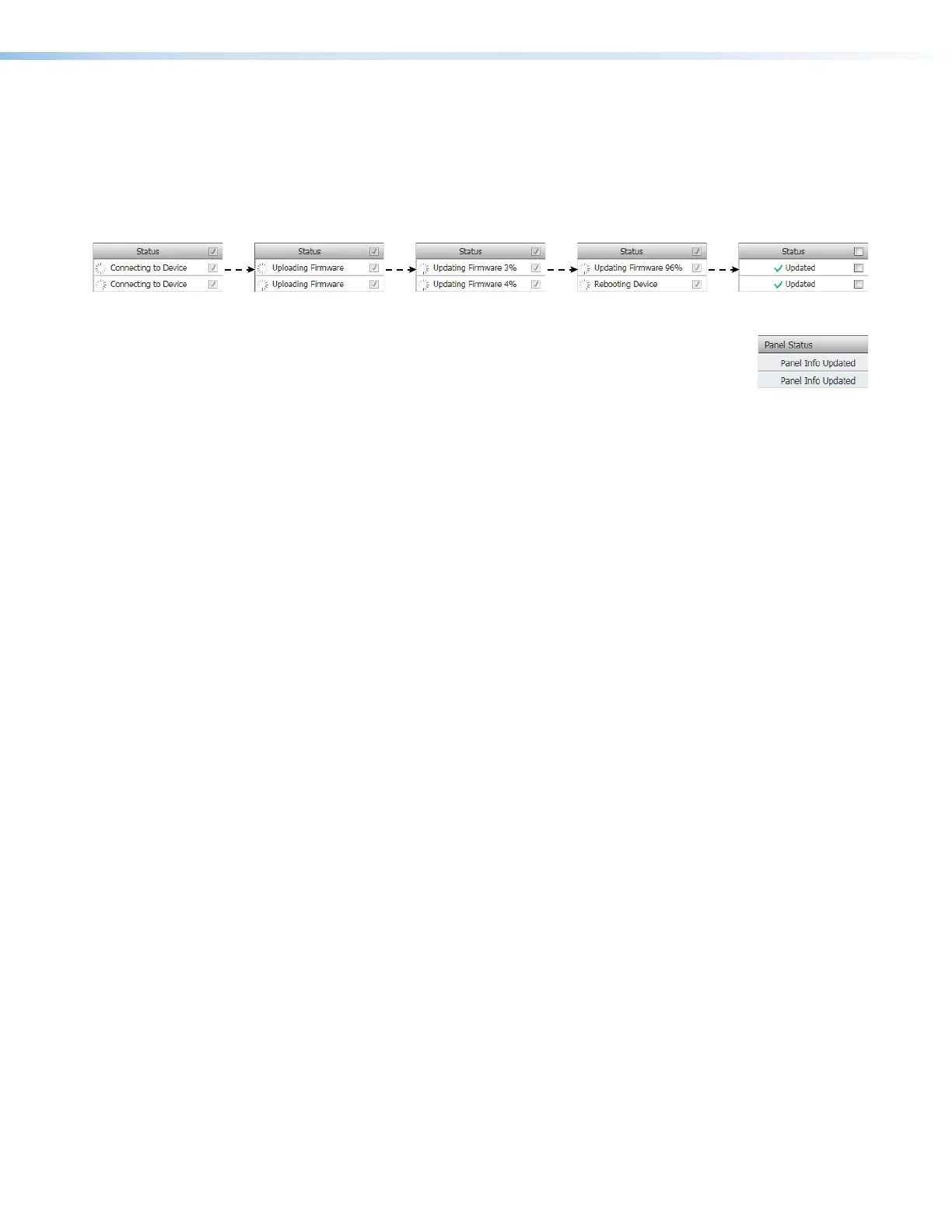
).Click this button. The Status column reports the status of
the update (see figure 35). When the Status is Updated, the update is complete.
Figure 35. Firmware Update Status Flow
12. Click the Close button to return to the Panel Management view
(see figure 13 on page 18). Room Agent reports Panel Info
Updated in the Panel Status column.



 To Next Page