Room Scheduling System • EMS Setup 54
• Client Secret — This is a number generated by the EMSweb site, which is required for
secure communication between the touchpanels and the EMS calendar server.
1. Click Reset Secret (see figure 57,
2
, on the previous page).
2. A pop-up opens, warning This action is permanent. Would you like to
continue? Click OK.
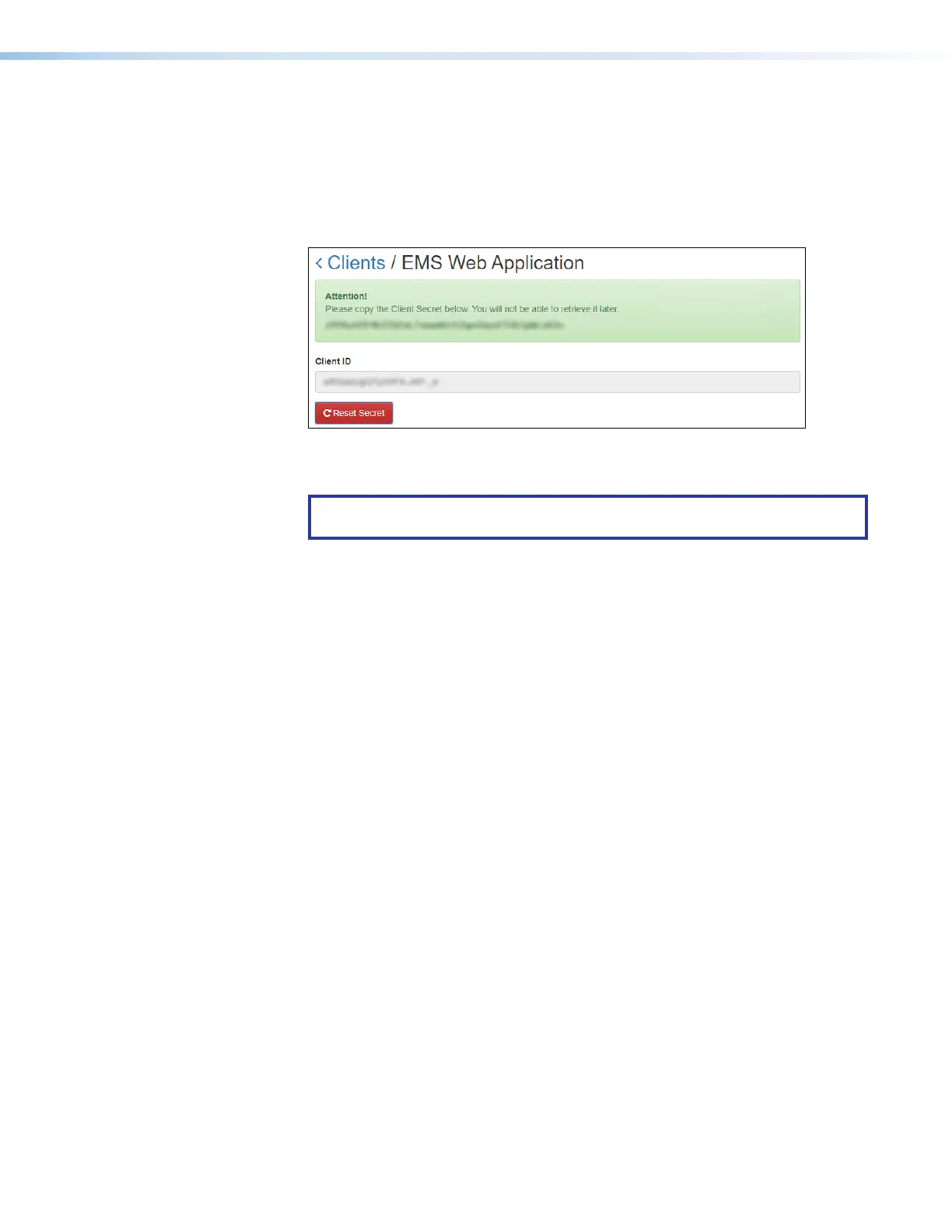
The Client Secret is displayed (it is deliberately blurred out in the image below).
Figure 58. EMS Client Secret
3. Copy the Client Secret into the Panel Configuration page.
NOTE: This is the only time this code is displayed. You must copy it now and
store it in a safe location to continue using it.
• Language — Select an option from the Language drop-down list (see Supported
Languages
on page 87). By default, the language is English.
• Button Sound — Select an option from the Button Sound drop-down list. The options
are Off and On. Button sound provides audible feedback when buttons are pressed on
the touchpanel. By default, it is on.
• Panel Design— The layout of the panel can be configured using the Panel Design tab.
You can select one of the saved panel design files from this drop-down list.



 To Next Page