Room Scheduling System • Microsoft Office 365 Setup 72
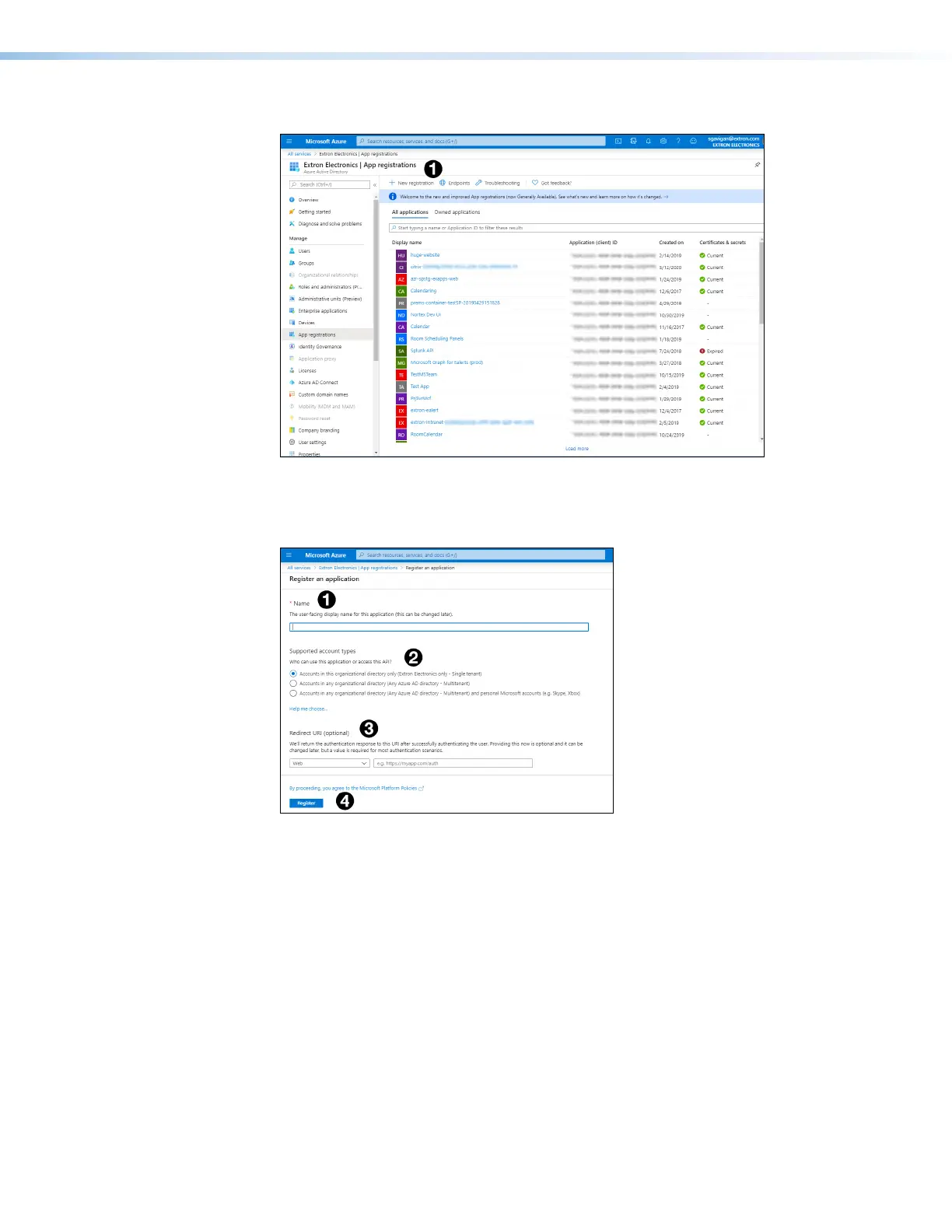
The App registrations page opens:
Figure 82. App registrations Page
4. Click New registration (see figure 82,
1
).
The Register an application page opens:
Figure 83. Register an application Page
5. Provide a Name for the App (see figure 83,
1
). This can be edited later.
6. Check the radio button to select from the Supported account type (
2
). This
determines who can use the app or access the API.
7. (Optional)Provide a Redirect URI (
3
).
8. Click Register (
4
).



 To Next Page