Room Scheduling System • Microsoft Office 365 Setup 77
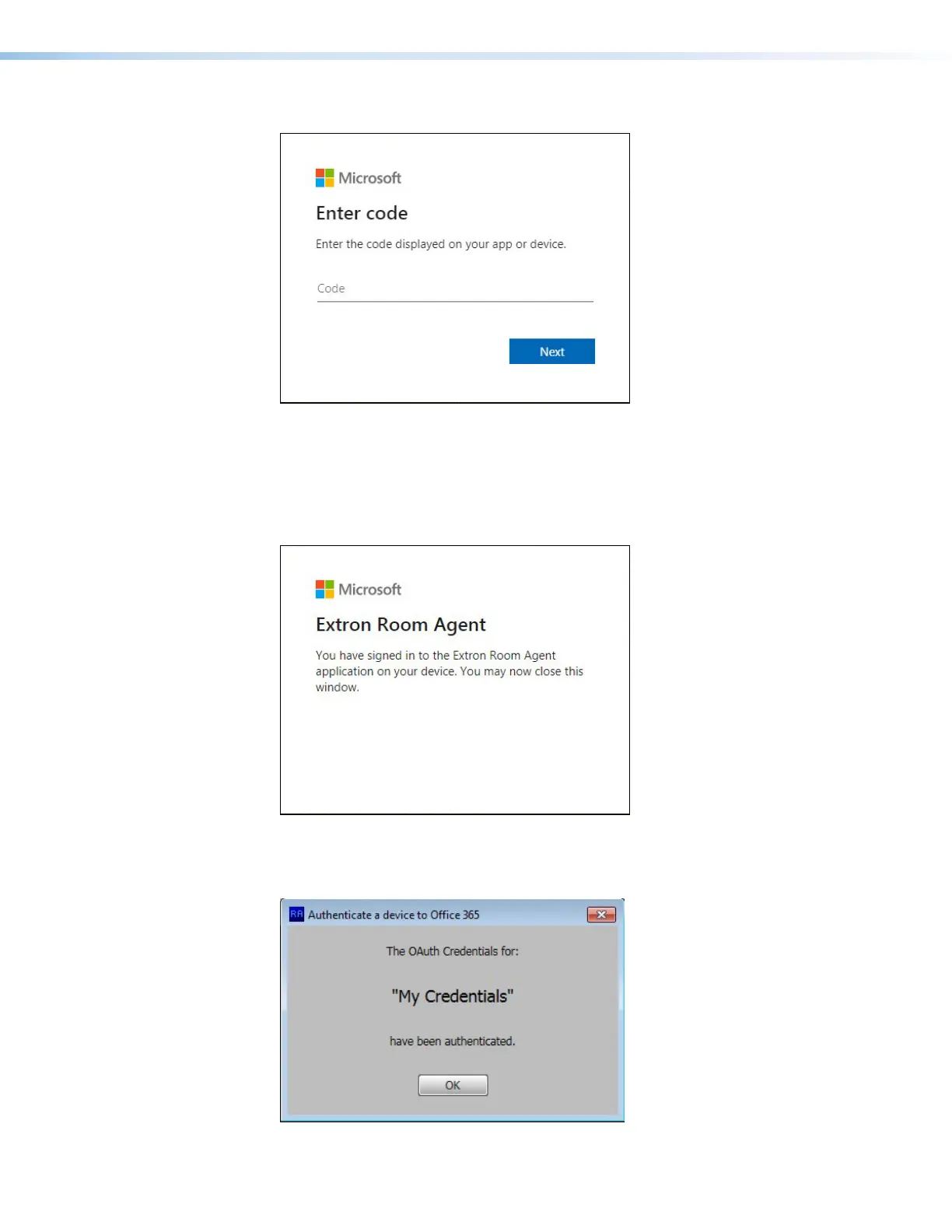
The Microsoft website opens:
Figure 93. Microsoft Website — Enter code
8. Enter the code obtained in step 6 on page 76.
9. Click Next.
10. Select an account that will provide authorization for Room Agent to read its calendar.
The Microsoft website confirms that the Oauth process is complete.
Figure 94. Microsoft Confirms Authentication
11. The Room Agent Authenticate a device to Office 365 dialog box also confirms that the
credentials have been authenticated. Click OK.
Figure 95. Room Agent Confirms Authentication
step 10



 To Next Page