RESTRICTED USE ONLY Fargo Electronics, Inc.
HDP5000 High Definition Card Printer/Encoder User Guide (Rev. 1.3)
8-17
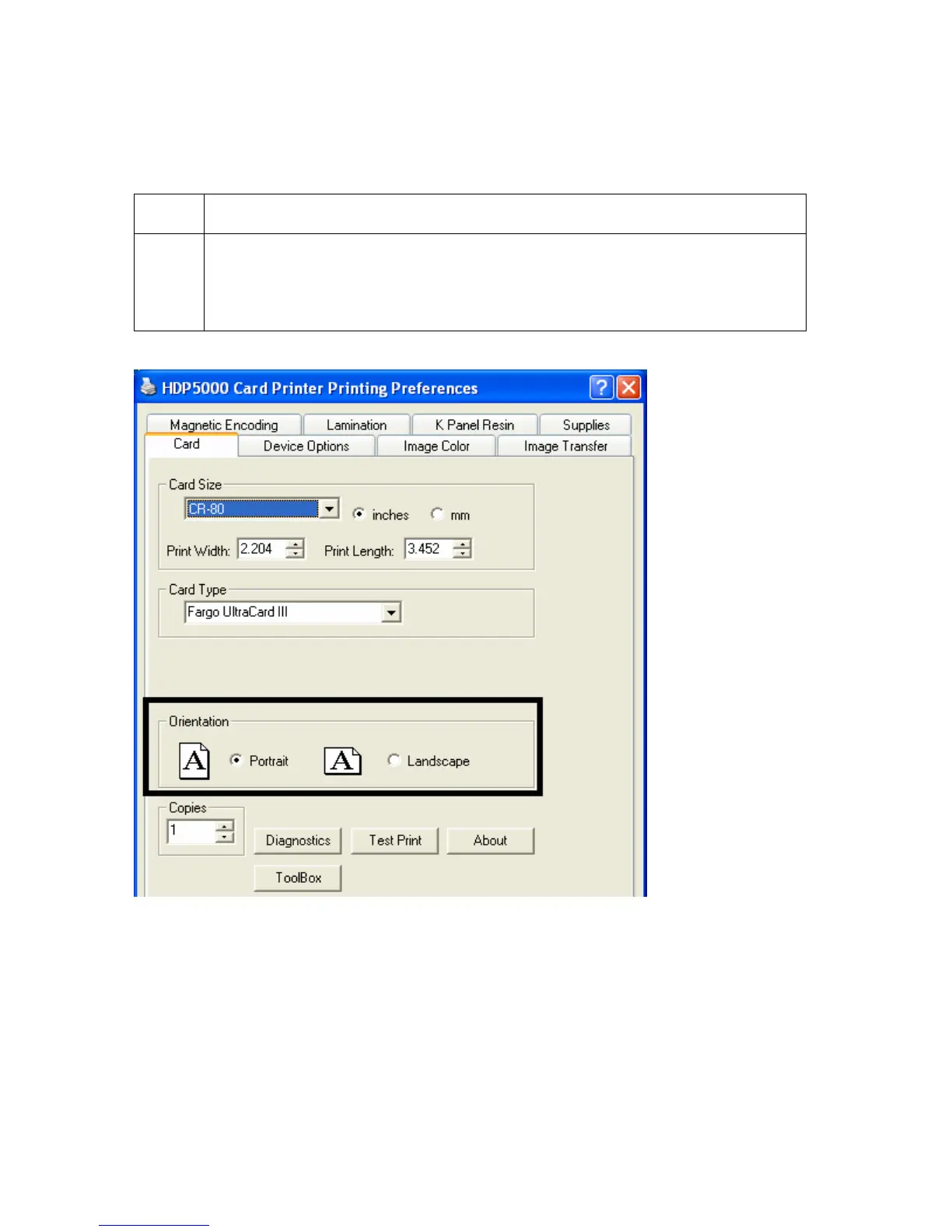
Setting the Orientation
Select either the Portrait or Landscape radio buttons for Orientation.
Step Procedure
1 Select Portrait to cause the card to print in a vertical orientation.
OR
Select Landscape to cause the card to print in a horizontal orientation.



 To Next Page