RESTRICTED USE ONLY Fargo Electronics, Inc.
HDP5000 High Definition Card Printer/Encoder User Guide (Rev. 1.3)
9-5
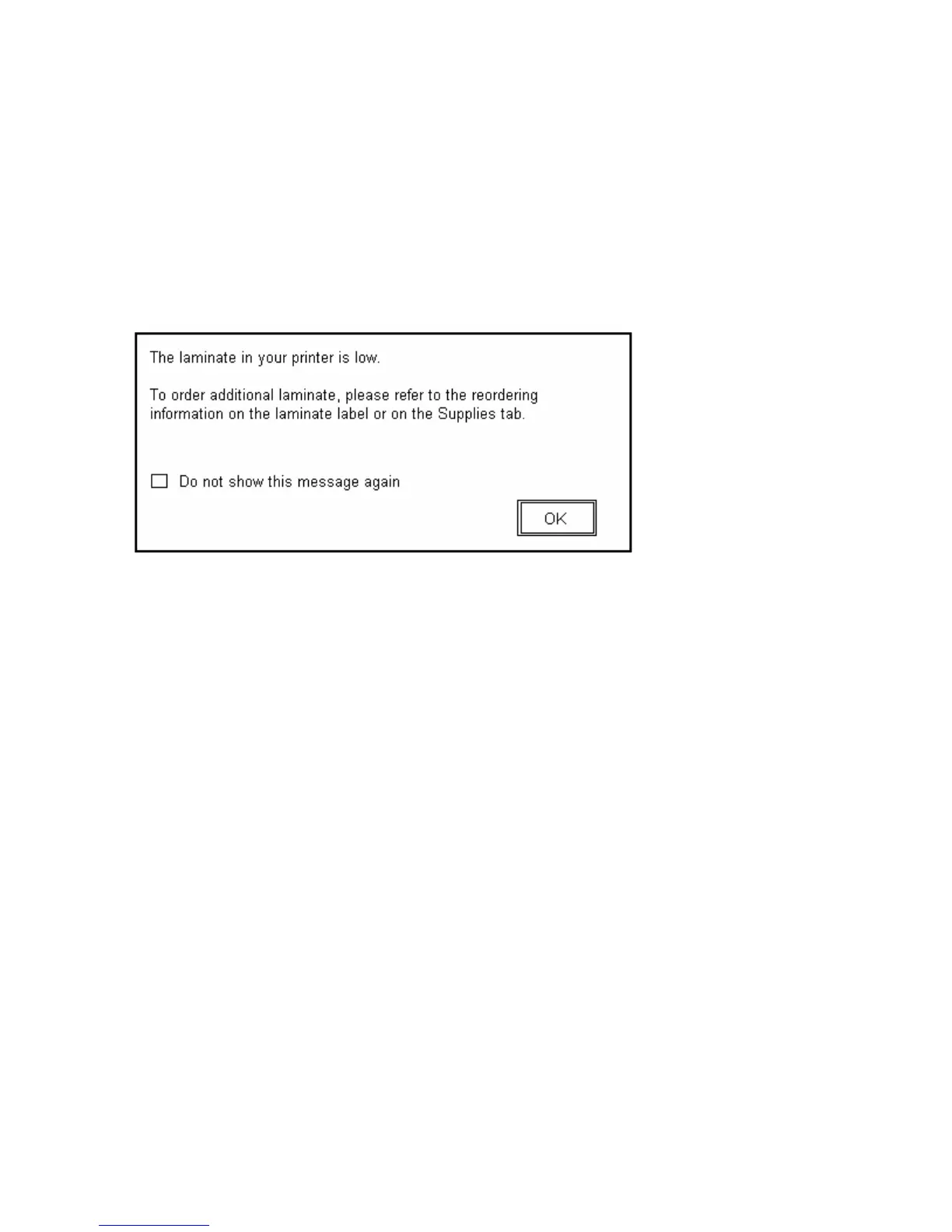
Reviewing the Laminate Low Message
The default setting is checked.
• If checked, Lamination Low message box is displayed with every print job when Printer
reports low Ribbon to the Driver.
• Do not show this message again. The check box allows User to suppress message per
Driver instance. Default = unchecked.
Display – Laminate Low dialog



 To Next Page