180
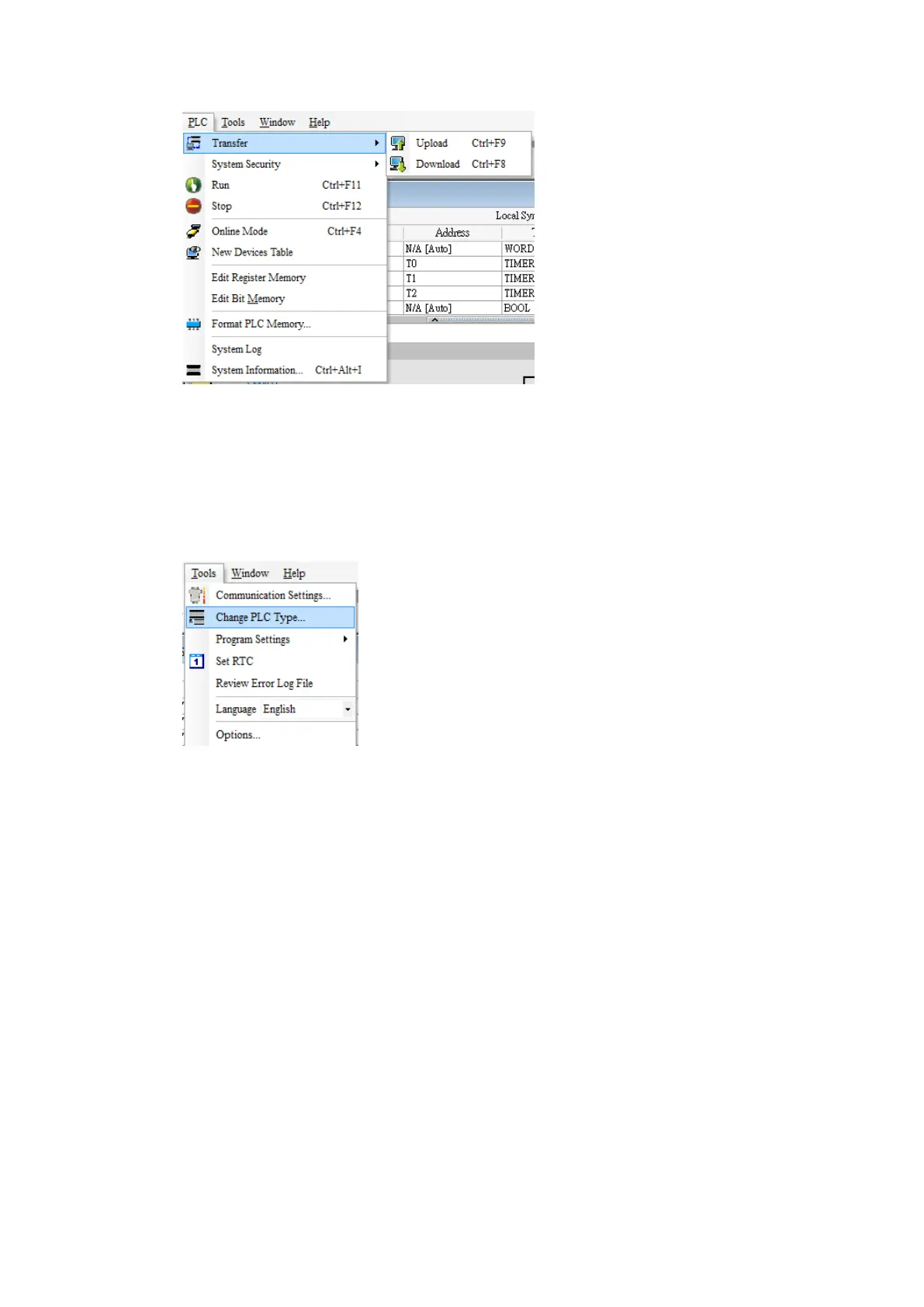
If program has to be downloaded onto the PLC, press open and select a program. In
the active folder, there are example programs. The device associated with the example
program may not be the same as the device connected. Under Tools, select PLC Type
and select the device currently used. Once a program is opened, the PLC settings can
be configured.
In the Project sidebar, double click HWCONFIG. Double click the CPU module and
navigate to the COM Port tab in the settings dialog. Adjust communication parameters
and press OK to confirm the settings.



 To Next Page