179
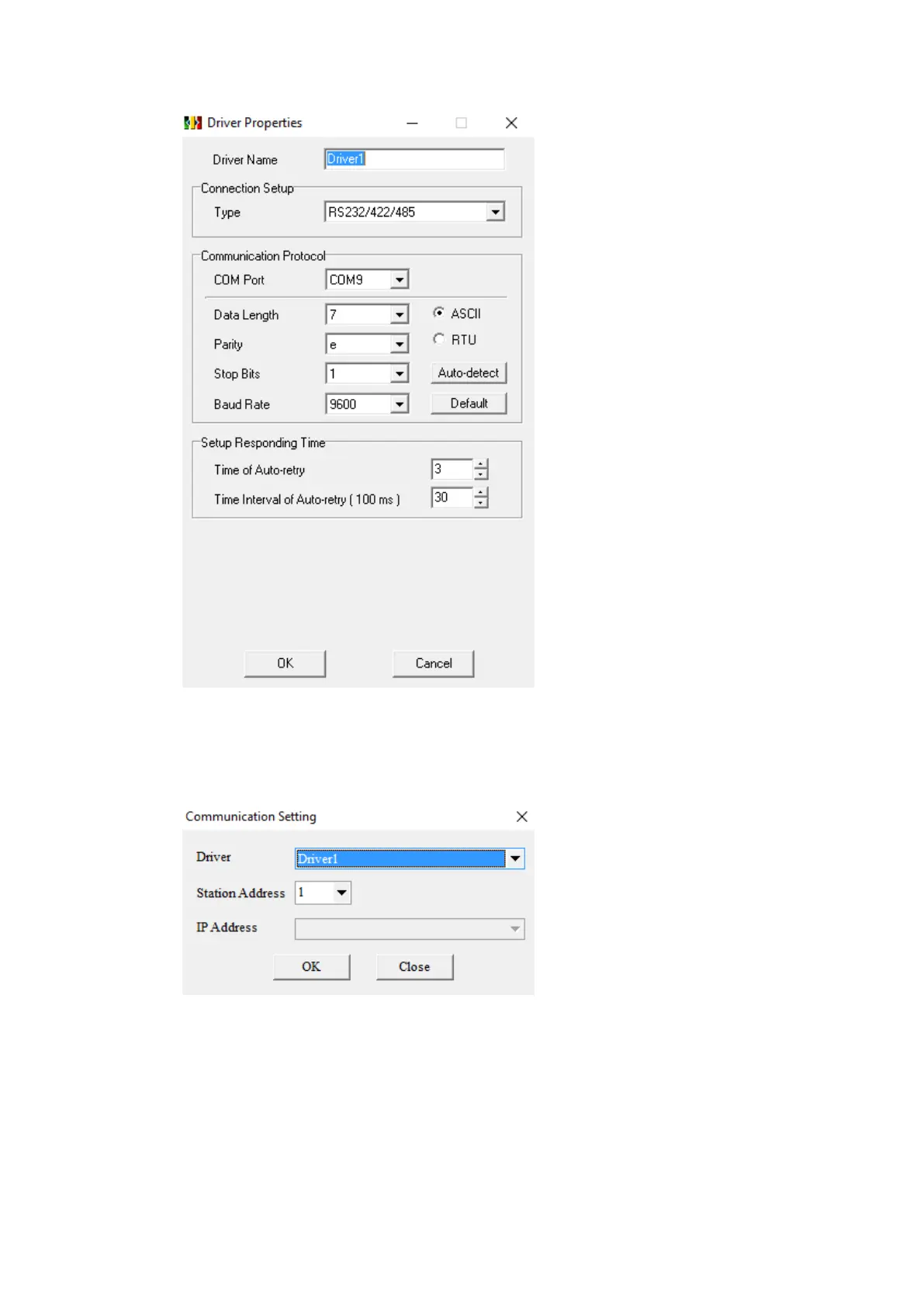
In ISPSoft, under the Tools menu option, select Communication Settings. Select the
name of the connection configured in COMMGR and press OK.
Under the PLC menu option, select Transfer and Upload. If there is a program on the
PLC, it will be uploaded and the system settings can be configured. If there is no
program present on the PLC one will have to be downloaded.



 To Next Page