185
Timer/Counter set
value area
Timer/Counter
elapsed value area
2.10.1.3 Connecting to HMI
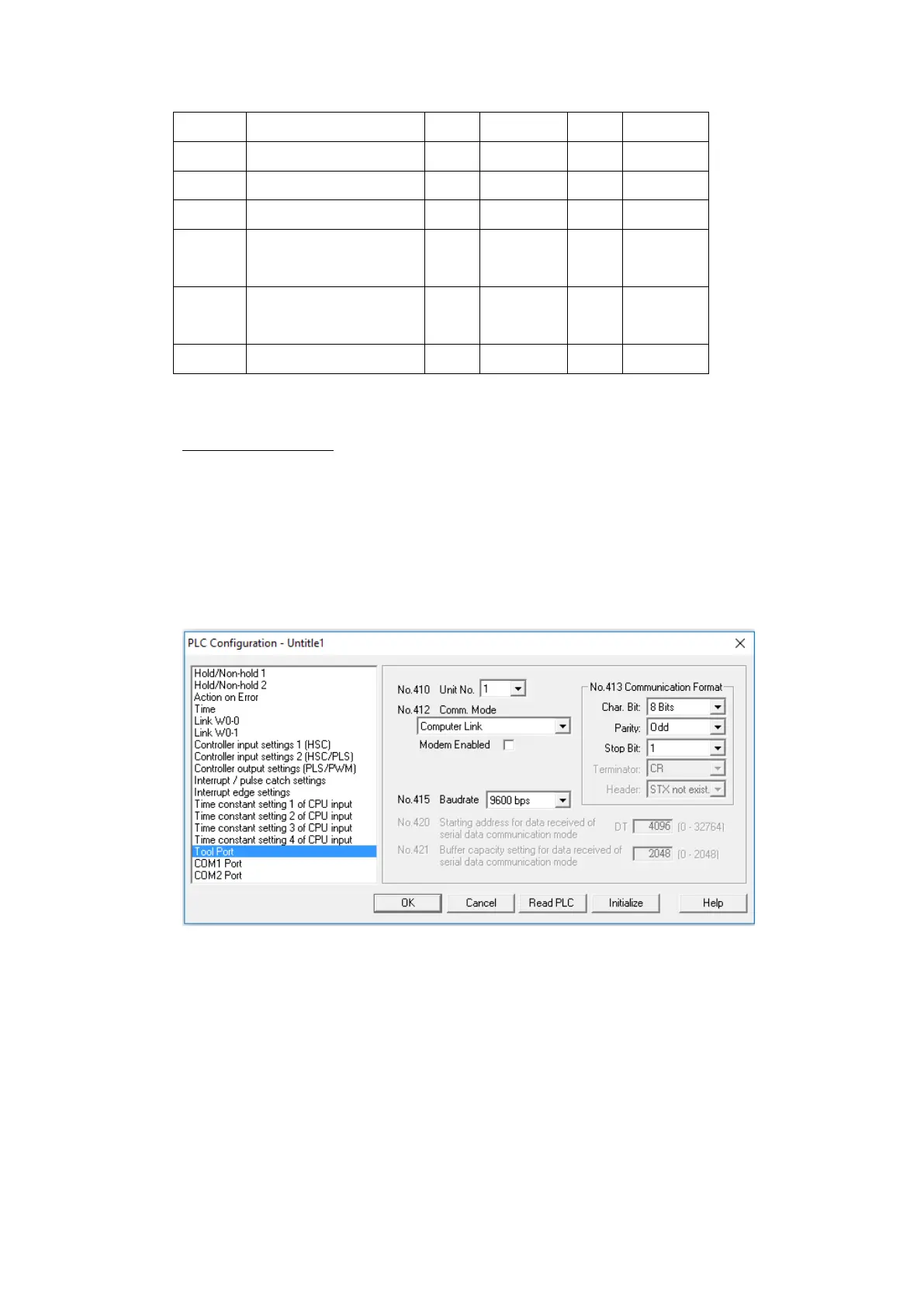
Configuring the PLC
If the PLC does not connect based on the default communication settings,
configuration of the PLC settings is needed.
Within FPWIN GR:
Connect the PLC to the computer via USB and navigate to the Online menu option and
switch to Online Editing Mode.
Navigate to the Option menu option and select PLC Configuration.
Go to the Tool Port option in the sidebar and select Read PLC to see the current PLC
settings. Change the settings needed to be changed and press OK.
Navigate to the File menu option and select Download to PLC to save the settings to
the PLC.



 To Next Page