68
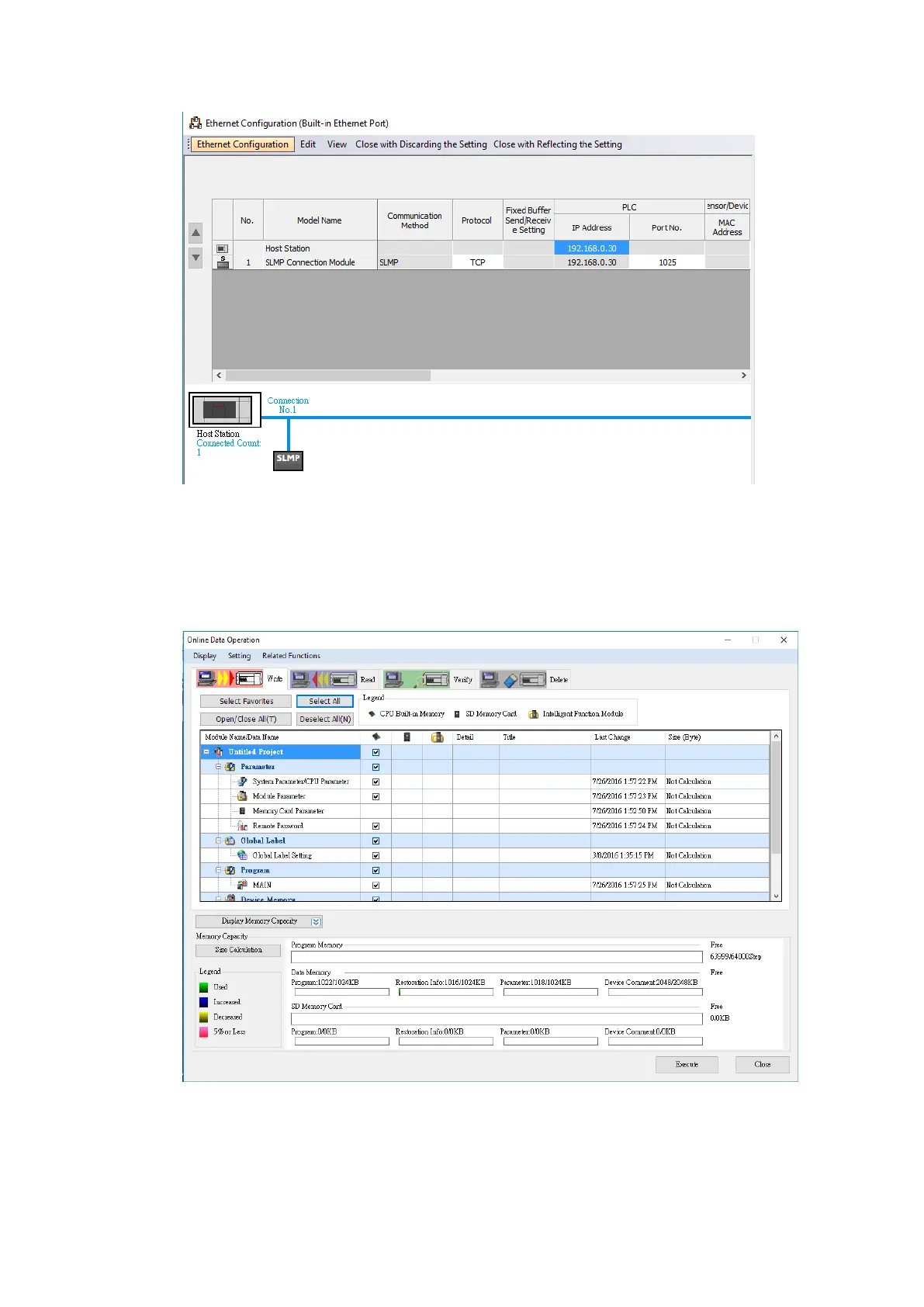
If the user needs to change the IP Address, edit the IP address under the Own Node
Settings. Then enter the Detailed Settings and press Close with Reflecting the Setting.
Under the Online menu option, select Write to PLC to save the settings to the PLC.
Click Select All and press Execute in the Online Data Operation window.
Note: For more detailed information please refer to the PLC manual.



 To Next Page