66
OPERATION
17.2 Valve locking
Operation_Pic_number:1
Text-module
NOTE:
When the engine is started, all the valves are
locked (for safety reasons).
Operation_Pic_number:1
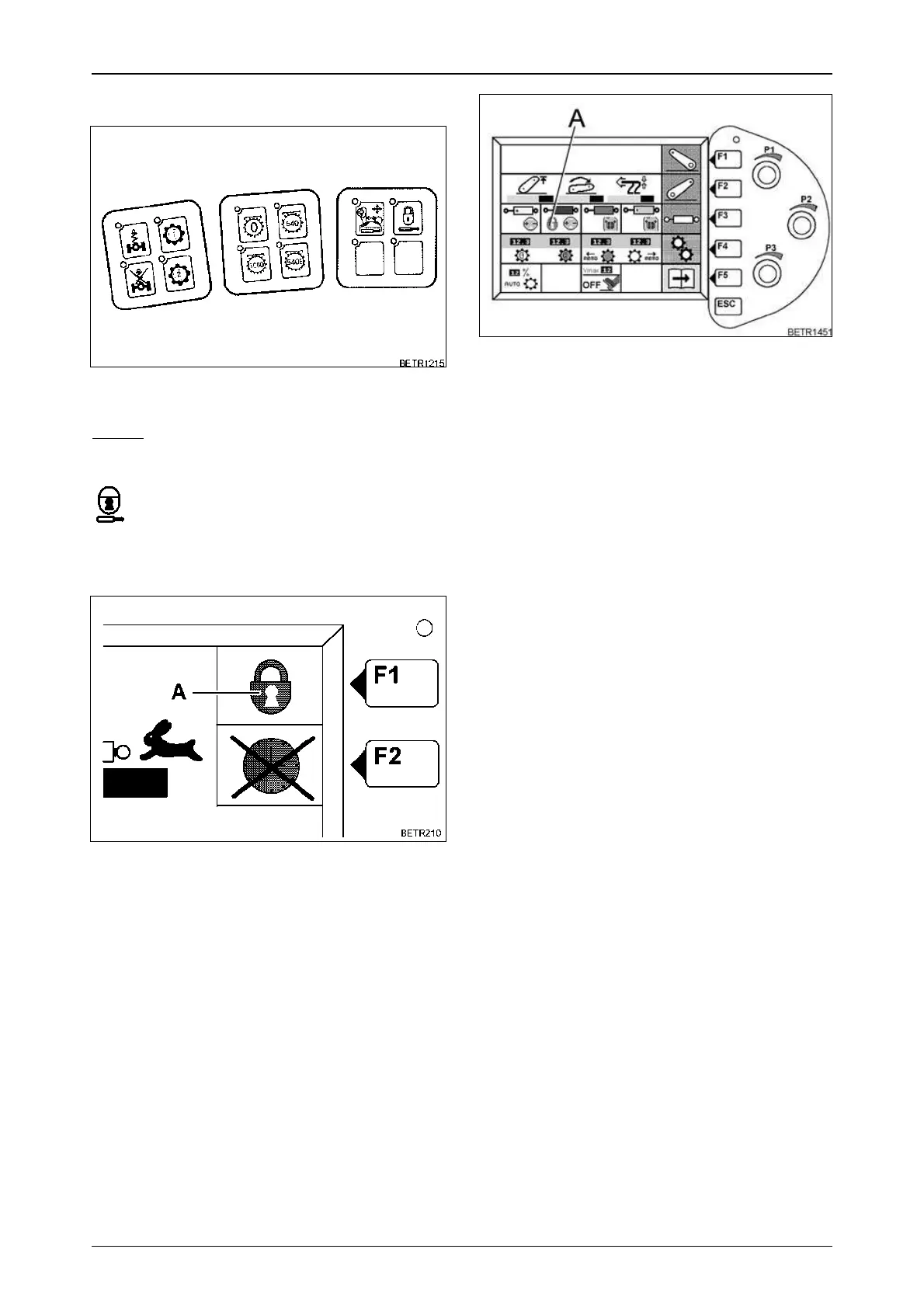
Locking individual valves.
● The key (F1) can be used to activate and de-
activate valve locking.
When the valve is locked, symbol (A) is dis-
played as shown.
The valves can be locked/unlocked with the
button.
Unlock only the valves shown on the valves
submenu as unlocked.
Fig.115
Fig.116
Operation_Pic_number:1
When the valve lock is activated, symbol (A)
appears in the main menu.
Fig.117



 To Next Page
 Loading...