1. Installation
1−10
Festo P.BE−CPX−FB13−EN en 0811c
Reserved DIL switch 2
Leave the switch elements of DIL switch 2 at OFF.
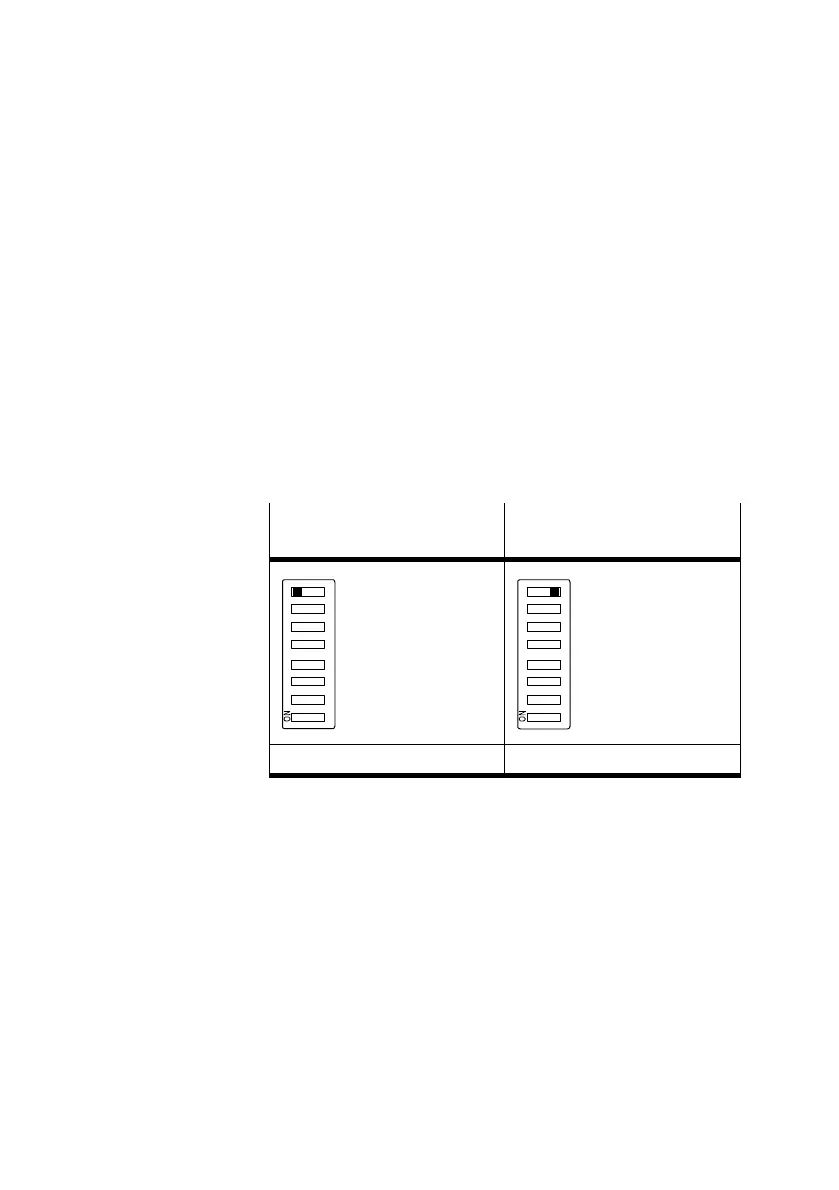
Setting the diagnostic mode with DIL switch
3
With switch element 8 of DIL switch 3 you can deactivate the
device−related diagnosis of the PROFIB US−DP.
If the device−related diagnosis is deactivated, no device−
related diagnostic information about the CPX terminal will be
sent to the master system, e.g. short circuit of the outputs or
undervoltage of the valves (see section 3.5).
Device−related diagnosis
active
Device−related diagnosis
inactive
1234 5678
1234 5678
DIL 3.8: ON DIL 3.8: OFF
Tab.1/2: Setting the diagnostic mode with DIL switch 3



 To Next Page