2. Commissioning
2−26
Festo P.BE−CPX−FB13−EN en 0811c
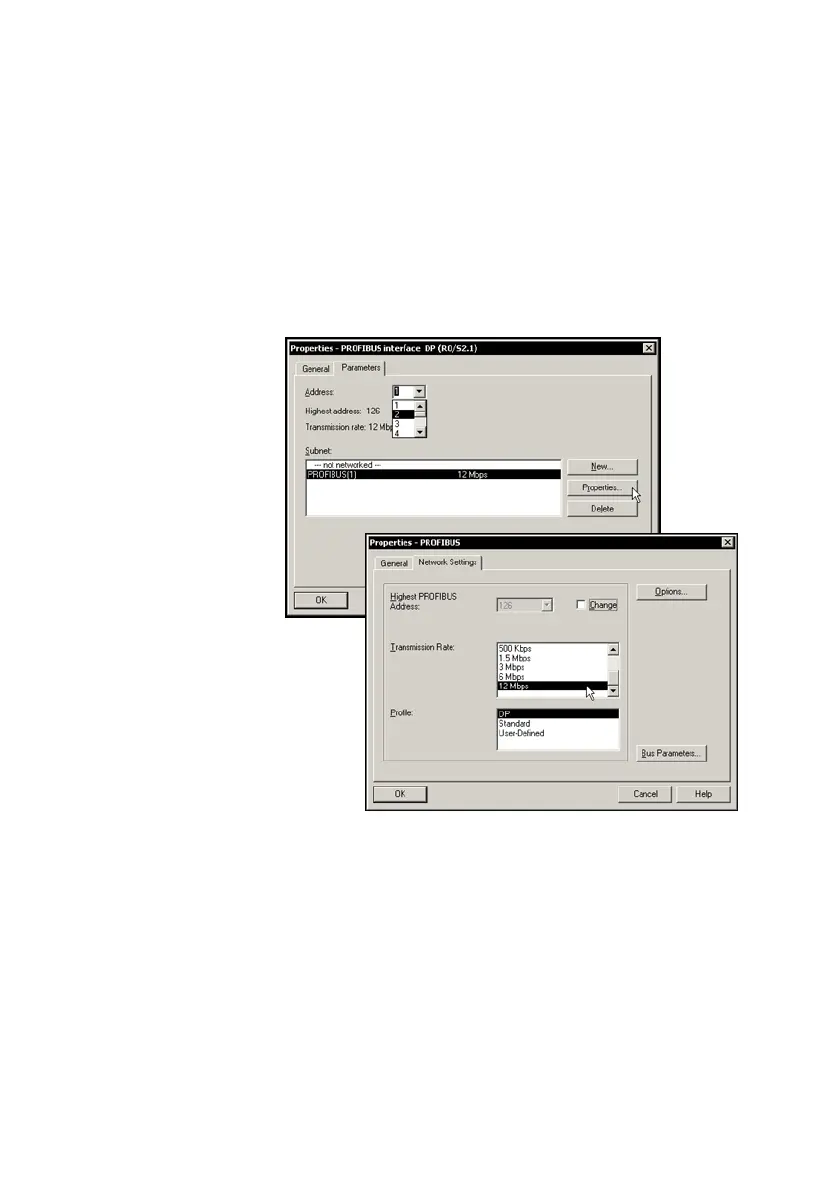
The dialogue window Properties PROFIBUS
interface" opens: With New...", create a PROFIBUS
system and, if necessary, edit the Transmission rate"
and Profile" entries (transmission rate/baud rate and
profile) in the Network Settings" tab.
Fig.2/6: Edit the PROFIBUS properties dialogue window



 To Next Page