5 | Operation FISCHER Mess- und Regeltechnik GmbH
36 BA_EN_DE90
5.3 Login
Directory: \Login
Level: 1
Users that are not logged on only have access to the information menu. Users
must log in to gain access to the configuration.
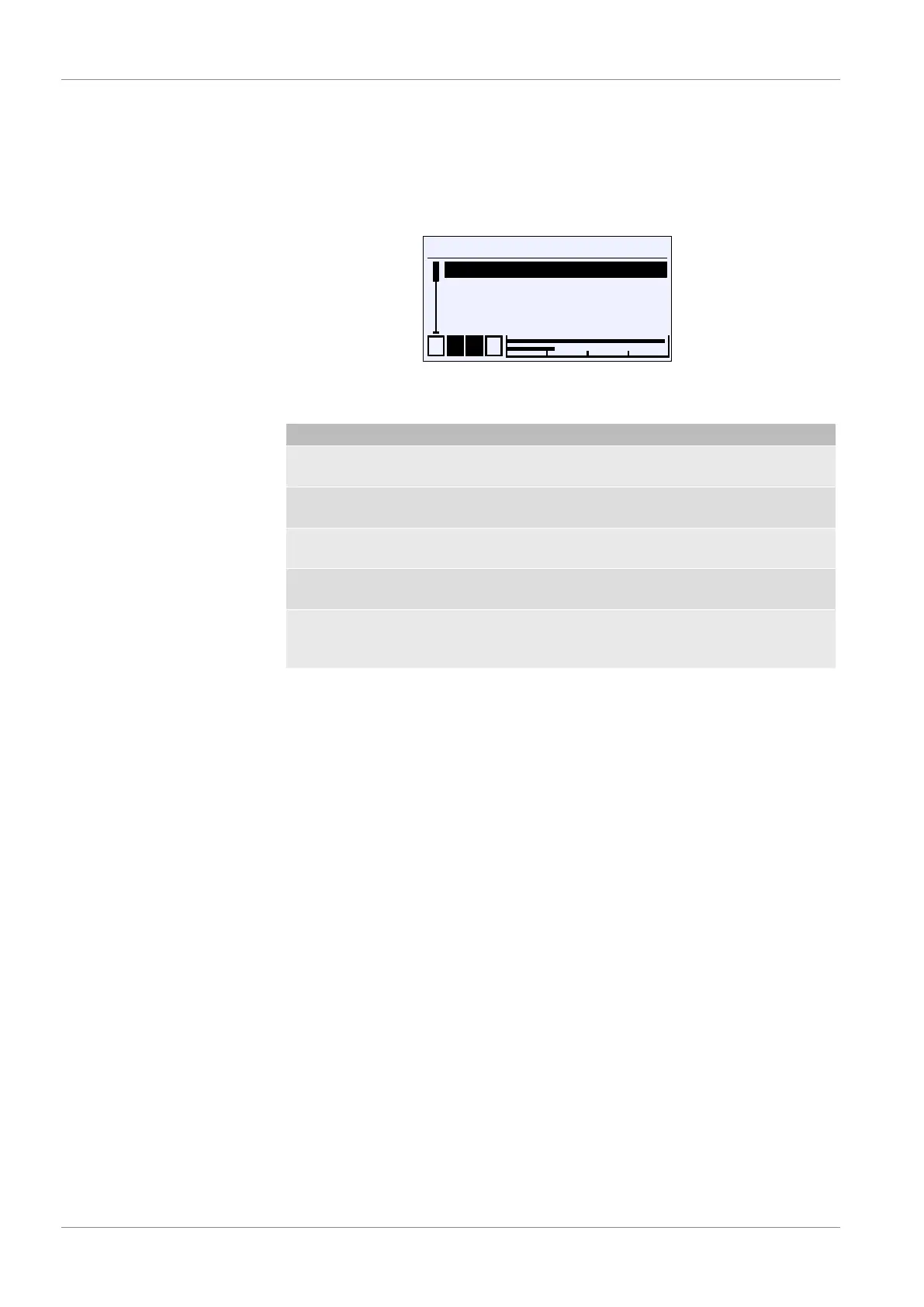
\Login
1 2 3 4
Log in
Timeout
Manage users
Reset passw.
L
L
L
Fig.45: Login
The login menu consists of the following parameters and submenus:
Menu name Description
Log in / log out Users can login and off with this menu
item.
Timeout The timeout function is defined with
this parameter.
Manage users A This submenu serves to manage users
and passwords.
Passw. Reset This menu item is used to reset all
passwords to 000 .
Back E This represents the output (exit) of the
login menu. Press 'back' to return to
the main menu.


 To Next Page