FISCHER Mess- und Regeltechnik GmbH Operation | 5
BA_EN_DE90 39
5.3.3.1 User 1
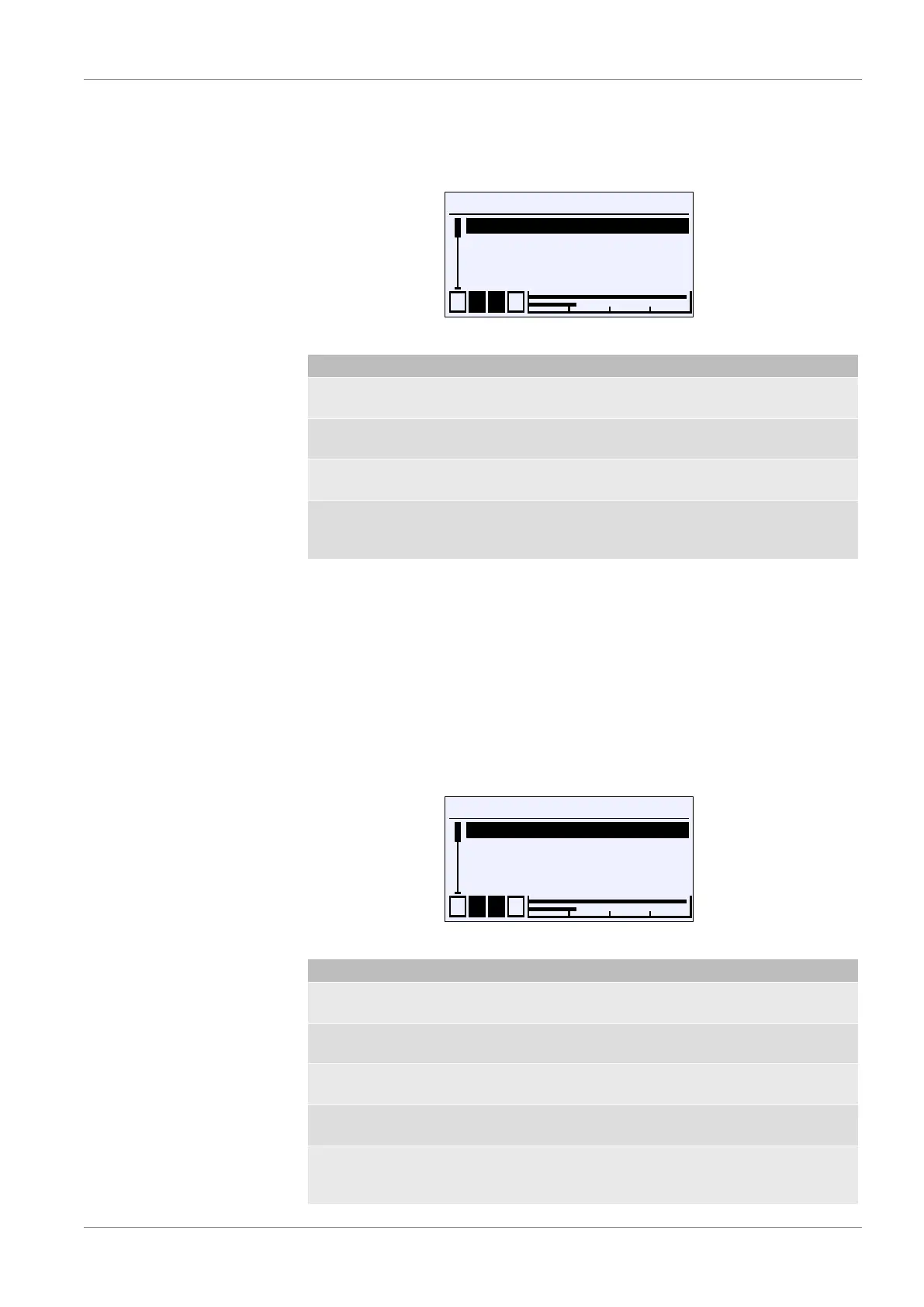
Directory: \Login\ Manage users \ User 1
Level: 3
\...\...\User 1
1 2 3 4
User 1 enabled
User 1 password
User 1 permissions
Back
G
A
U
E
Fig.49: User 1
Menu name Description
User 1 enabled G The user can be enabled with this
parameter.
User 1 password The password for user 1 is defined with
this parameter.
User 1 permissions A The permissions of user 1 is defined
with this parameter.
Back E This represents the output (exit) of the
User 1 menu. This is used to return to
the 'Manage user' menu.
The parameter User 1 enabled release user 1:
G User deactivated
H User activated
The password for the user is issued with the parameter User 1 password .
A password 000 is issued with the default setting. Only numerical passwords
from 000 to 999 can be used.
5.3.3.1.1 User 1 permissions
Directory: \Login\ Manage users \User 1\ User 1 permissions
Level: 4
User 1 rights
1 2 3 4
View configuration
Edit configuration
Update firmware
Manage users
G
U
G
G
G
Fig.50: User 1 permissions
Menu name Description
View configuration G The reading rights are set with this
parameter.
Edit configuration G The writing/reading rights are set with
this parameter.
Firmware update G The update rights are set with this
parameter.
Manage users G The user management rights are set
with this parameter.
Back E This represents the output (exit) of the
User 1 permissions menu. Press 'back'
to return to the User 1 menu.


 To Next Page