5 | Operation FISCHER Mess- und Regeltechnik GmbH
84 BA_EN_DE90
5.5.6 Display
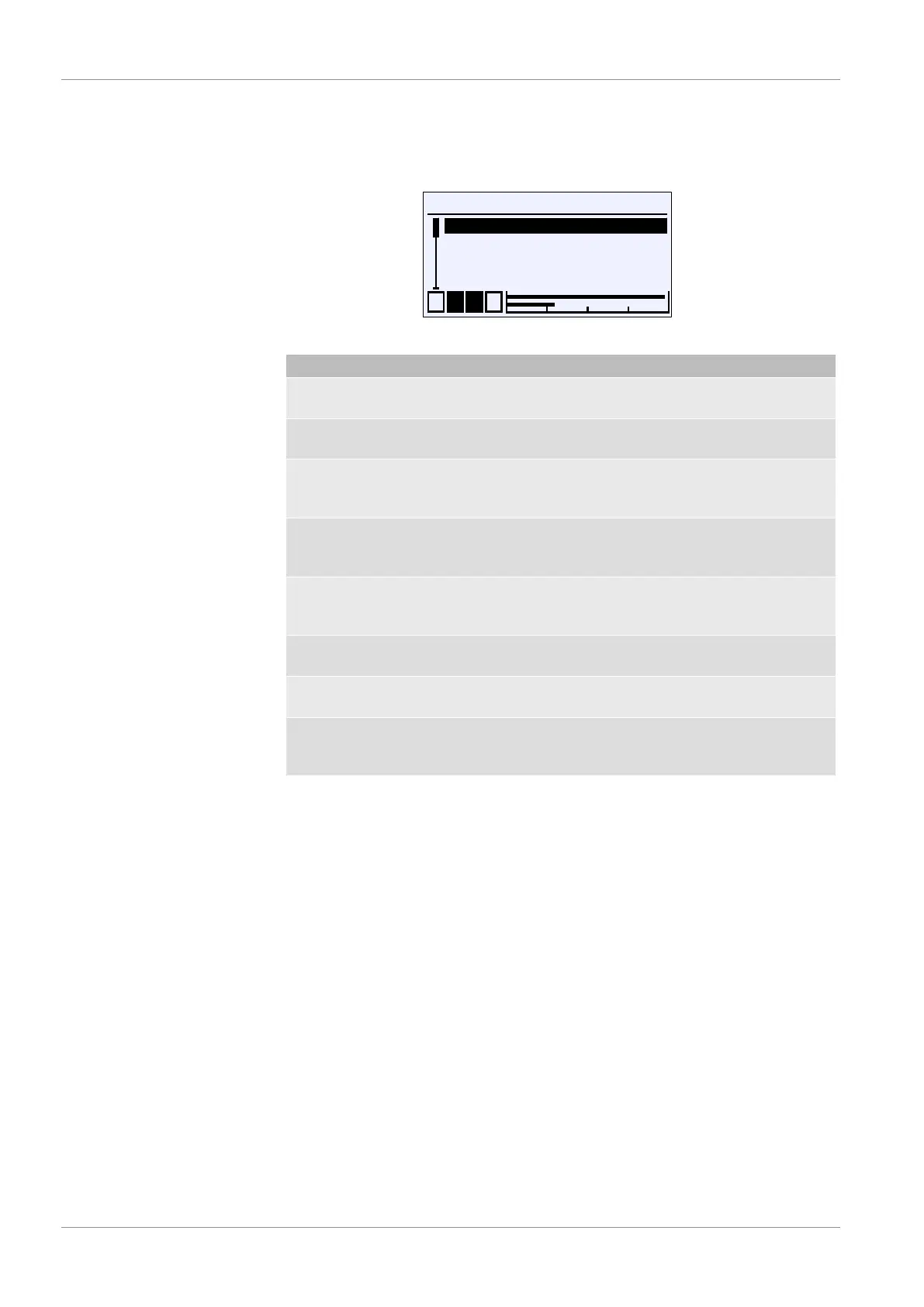
Directory: \Configuration\Display
Level: 2
\...\Display
1 2 3 4
Language
Designation
Meas.data display
Col.ch. assignment
A
U
A
A
Fig.121: Display
Menu name Description
Language A The menu language can be selected in
this menu.
Designation This parameter can be used to file the
designation for the device.
Meas.data display A This menu can be used to define which
measuring value channel should be
displayed.
Col.ch. assignmt A This menu can be used to determine
which measuring channel controls the
colour change.
LCD col. A This menu is used to determine the
colour of the backlighting and/or their
colour change.
LCD lighting This parameter can be used to switch
off the lighting based on a timer.
LCD contr. This parameter is used to set the con-
trast for the LC display.
Back E This represents the output (exit) of the
menu. Press 'back' to return to the con-
figuration menu.


 To Next Page