FISCHER Mess- und Regeltechnik GmbH Operation | 5
BA_EN_DE90 77
5.5.3.4 Number format C3
Directory: \Configuration\Channel 3\Number format C3
Level: 3
\...\...\Number format C3
1 2 3 4
±123456
±12345.6
±1234.56
±123.456
S
R
U
R
R
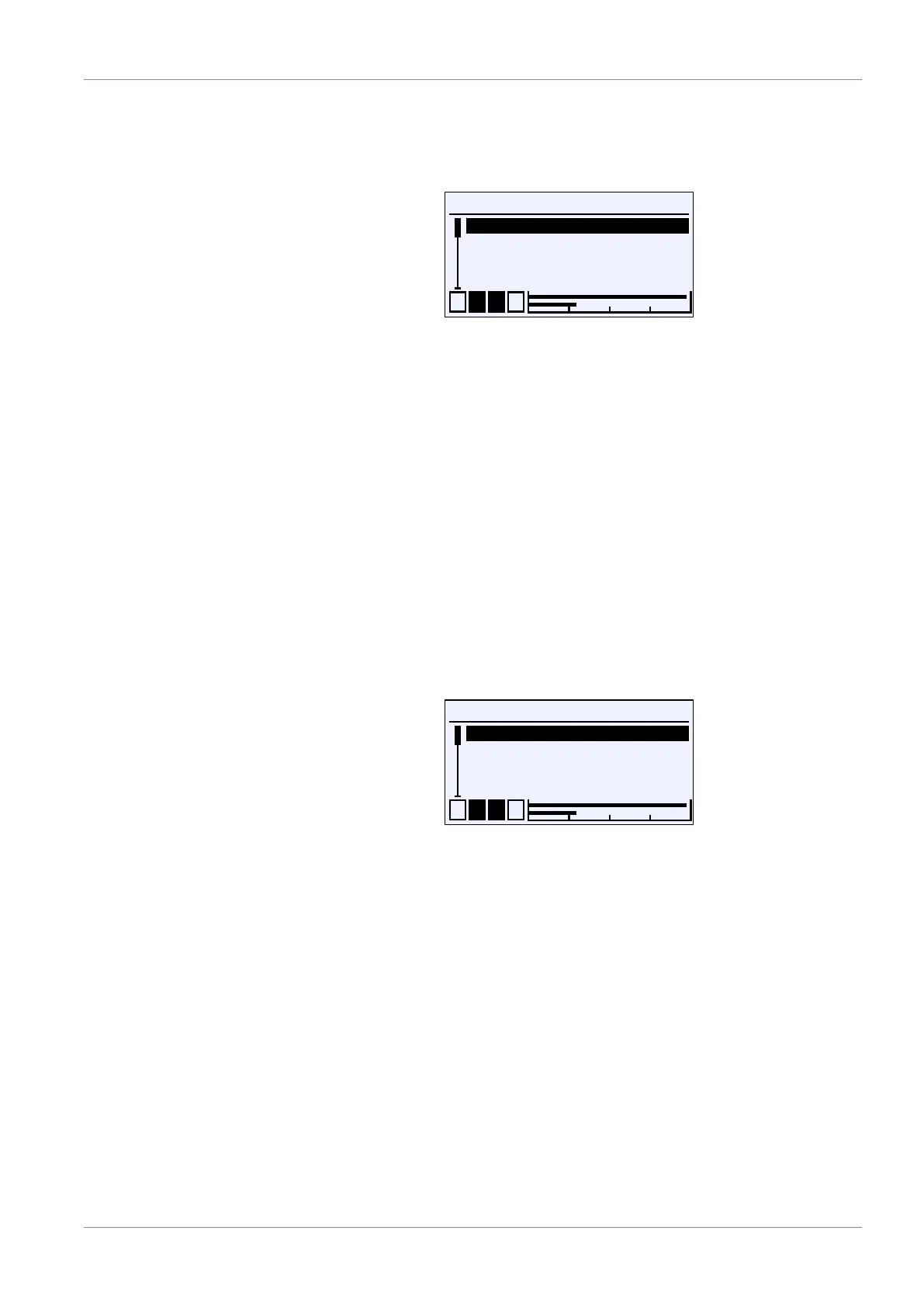
Fig.110: Number format C3
With this menu the number of decimal places can be determined. All theoretic-
ally possible variants are available.
The decimal places are limited by the measuring range. 8 characters are avail-
able with sign, decimal point and numerical value. The measured value display
can have fewer decimal places than the number format.
Example:
Set number format:
±123.456
Current measuring value:
-1234.567
Displayed measuring value:
-1234.57
Only two decimal places are displayed, otherwise the maximum number of 8
characters would be exceeded. The last digit is rounded.
5.5.3.5 Colour change C3
Directory: \Configuration\Channel 3\Colour change C3
Level: 3
\...\...\Colour change C3
1 2 3 4
Col.ch. C3 red–grn
Col.ch. C3 grn–red
Col.ch. C3 red–ylw
Col.ch. C3 ylw–grn
U
Fig.111: Colour change C3
This menu is used to set the switching thresholds for the color change of the
backlight. A prerequisite for the effectiveness of the switching thresholds is the
activation of the color change in the LCD colour menu and its assignment to
the measuring channel in the Col.ch. assignment menu.
For a detailed explanation of the color changes, refer to the description of chan-
nel 1.
See also
2 LCD colour [}87]
2 Colour change assignment [}86]
2 Colour change C1 [}62]


 To Next Page