DC100 MAX Digital Dispenser Operating Manual
© 2023 Fisnar - 45 - DC100 MAX Rev 4
7.
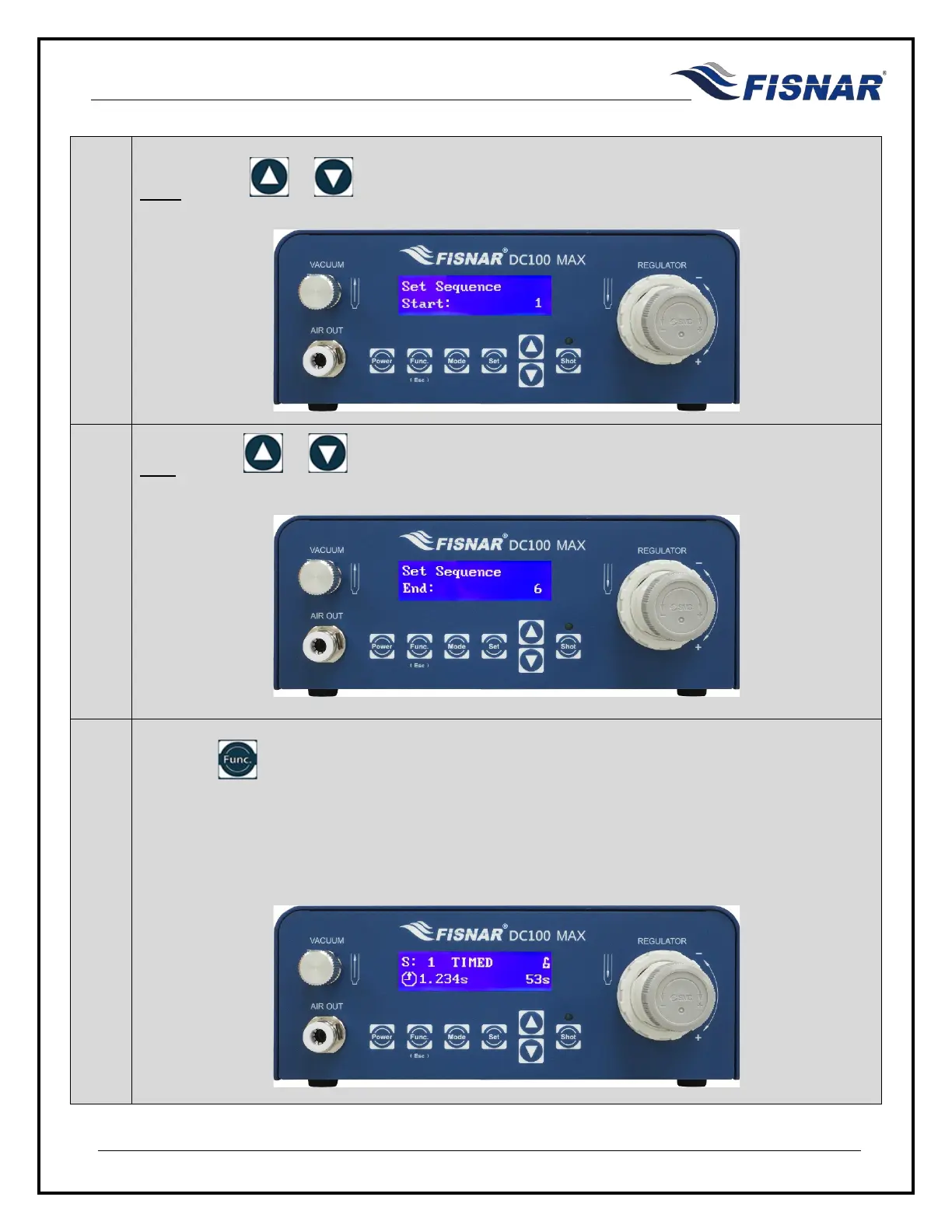
Start: Use the or buttons to set the Program number that the sequence will start
from.
8.
End: Use the or buttons to set the Program number that the sequence will end at.
9.
Press the button to exit the selected function setting. After exiting the Function Menu back
into the home screen the machine will automatically change to TIMED mode and to the program
number selected in the Start parameter.
If the user has set to change the program number by time, then the machine will also automatically
start counting down after exiting the Function menu back into the home screen.



 To Next Page