DC100 MAX Digital Dispenser Operating Manual
© 2023 Fisnar - 70 - DC100 MAX Rev 4
A barcode scanner can be attached to the machine, allowing the user to change the program number on
the machine and actuate a dispense cycle.
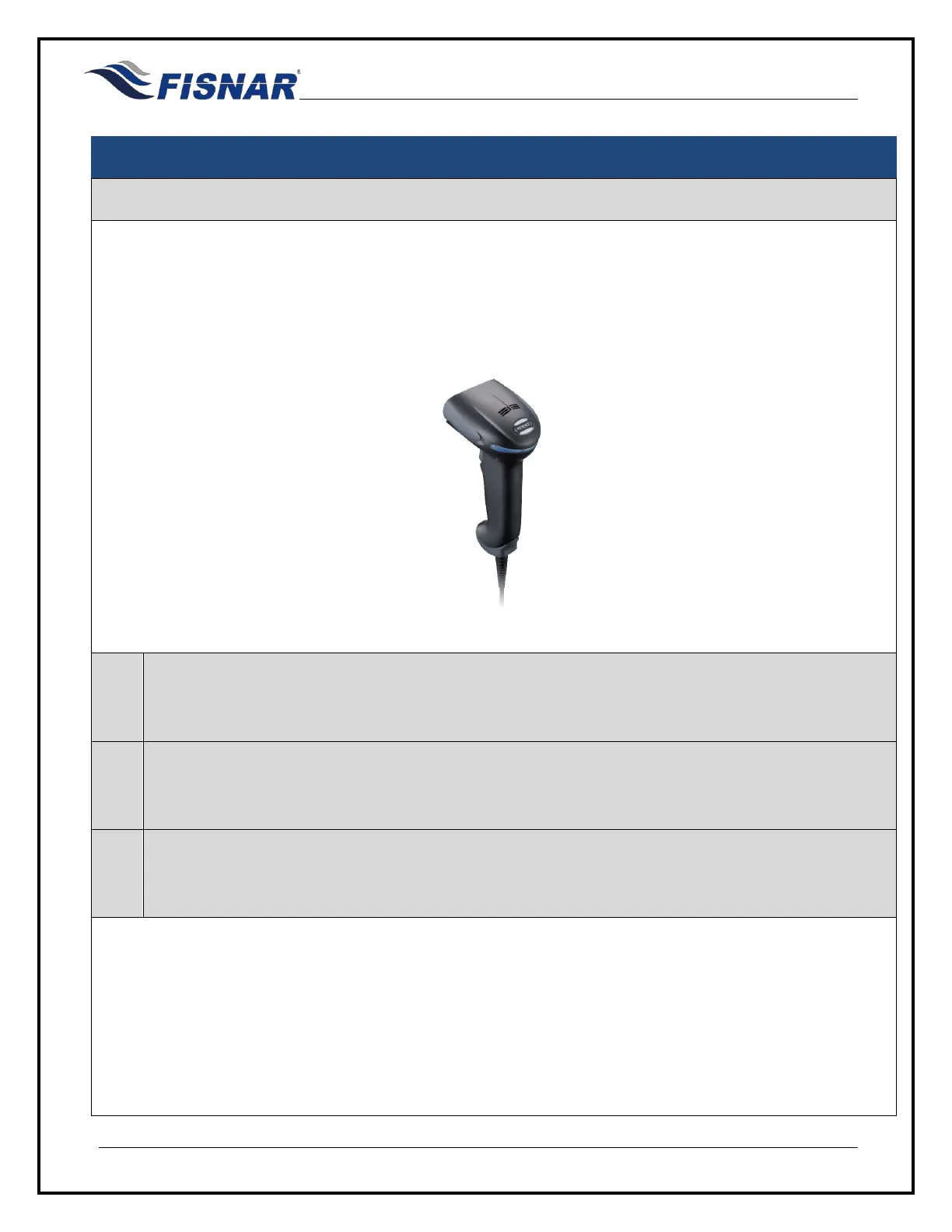
Keyence barcode scanner (HR-100) plus communication cable (HR-1C3RC) and a null modem adapter
have been successfully tested with the machine.
Keyence HR-100
1.
Check the RS232 Port Function Setting in the function menu of the machine, to make sure that
“BARCODE” has been selected.
2.
Plug the Barcode Scanner into the RS232 port on the back of the machine, ensuring that a null
modem adapter is fitted between the communication cable and RS232 connector port.
3.
Scan the appropriate barcode label (appendix 1) to change the program number on the machine
and/or actuate a dispense cycle.



 To Next Page