DC100 MAX Digital Dispenser Operating Manual
© 2023 Fisnar - 71 - DC100 MAX Rev 4
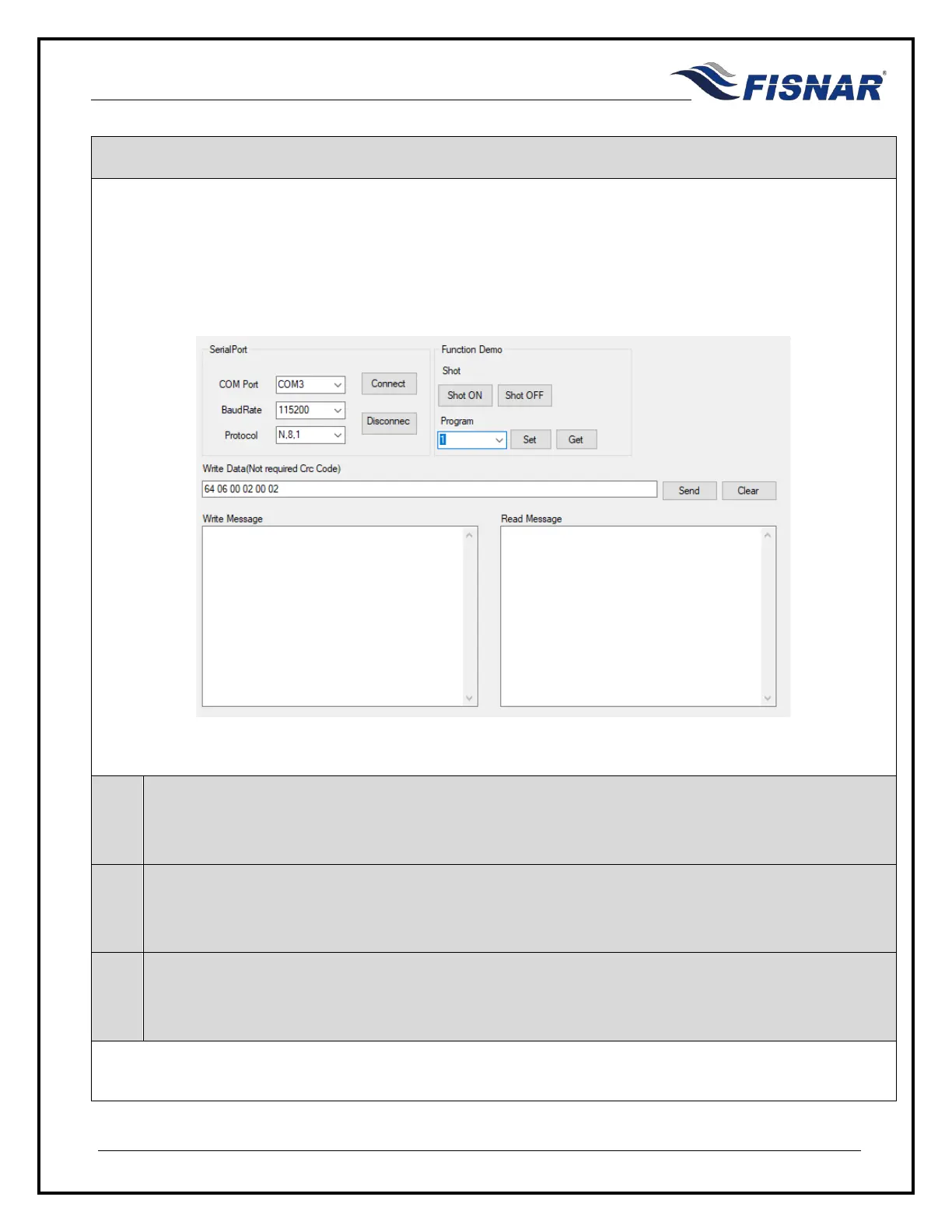
An external connection can made with the RS232 connector on the back of the machine, allowing the
user to remotely program, adjust, monitor and operate the machine using RS232 MODBUS
communication protocol.
A standard straight parallel RS232 communication cable is needed to create a successful connection.
RS232 MODBUS communication
1.
Check the RS232 Port Function Setting in the function menu of the machine, to make sure that
“MODBUS” has been selected.
2.
Establish a connection between the external device and RS232 port on the back of the machine,
ensuring that a straight parallel RS232 communication cable has been used.
3.
Refer to the programming table (appendix 2) for a list of commands that can be sent to the machine
as a hexadecimal value.



 To Next Page