3-6
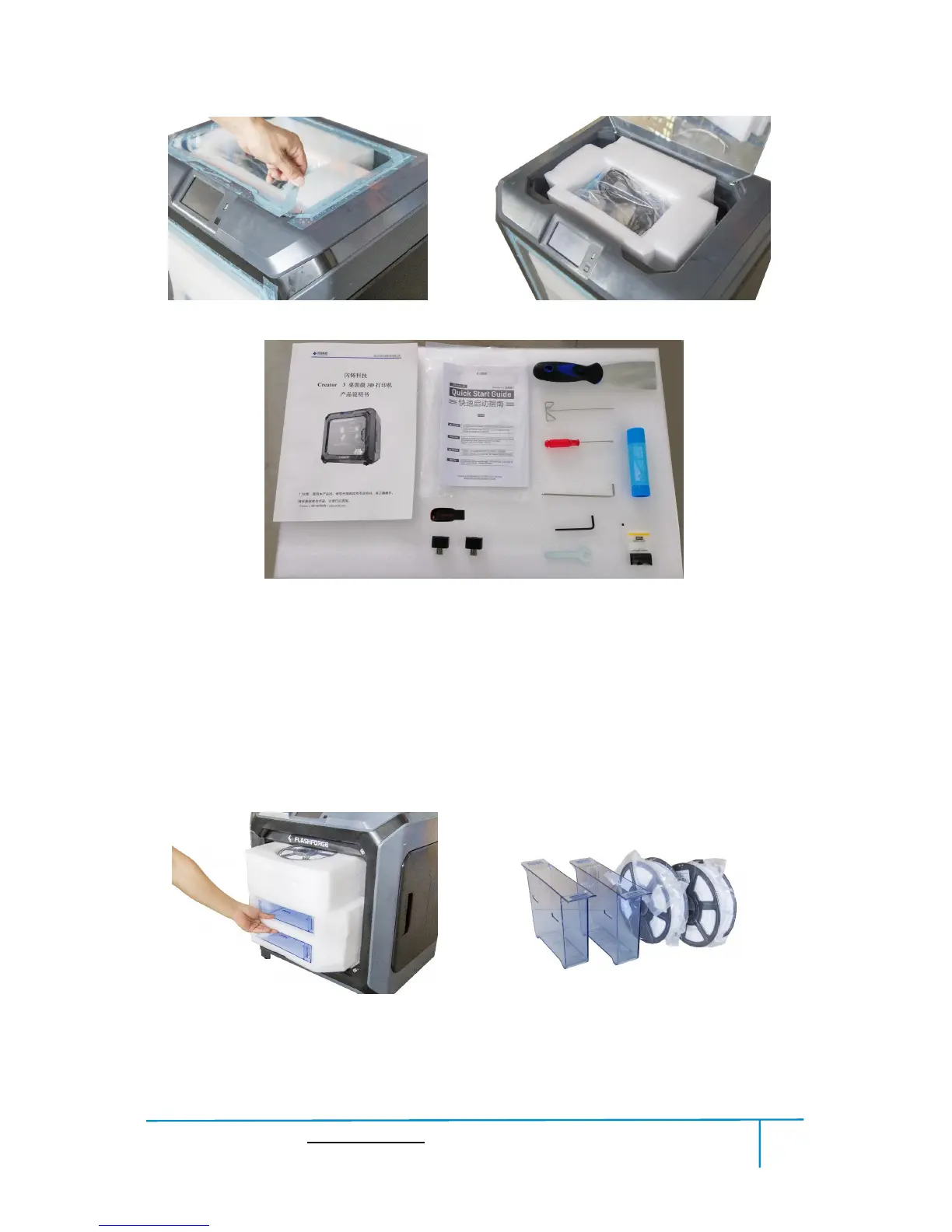
(3-6)Remove the blue fastening tape on the top and open the top cover, take out the
top foam from the printer, on the top foam sheet, you can see a Quick Start Guide, a
After-sales service card, a User guide, a power cable and a tool bag (scraper*1,
unclogging pin tool*1, screwdriver*1, allen wrench*2, stamping wrench*1, grease*1,
solid glue*1, USB stick*1, nozzle brush*2).
.
3-7
(3-7)Remove the blue fastening tape on the front door and open front door, take out
the front foam from the printer, on the front foam sheet, you can see: filament*2,















 To Next Page