Creator3 User Guide | www.flashforge.com 400-699-1063
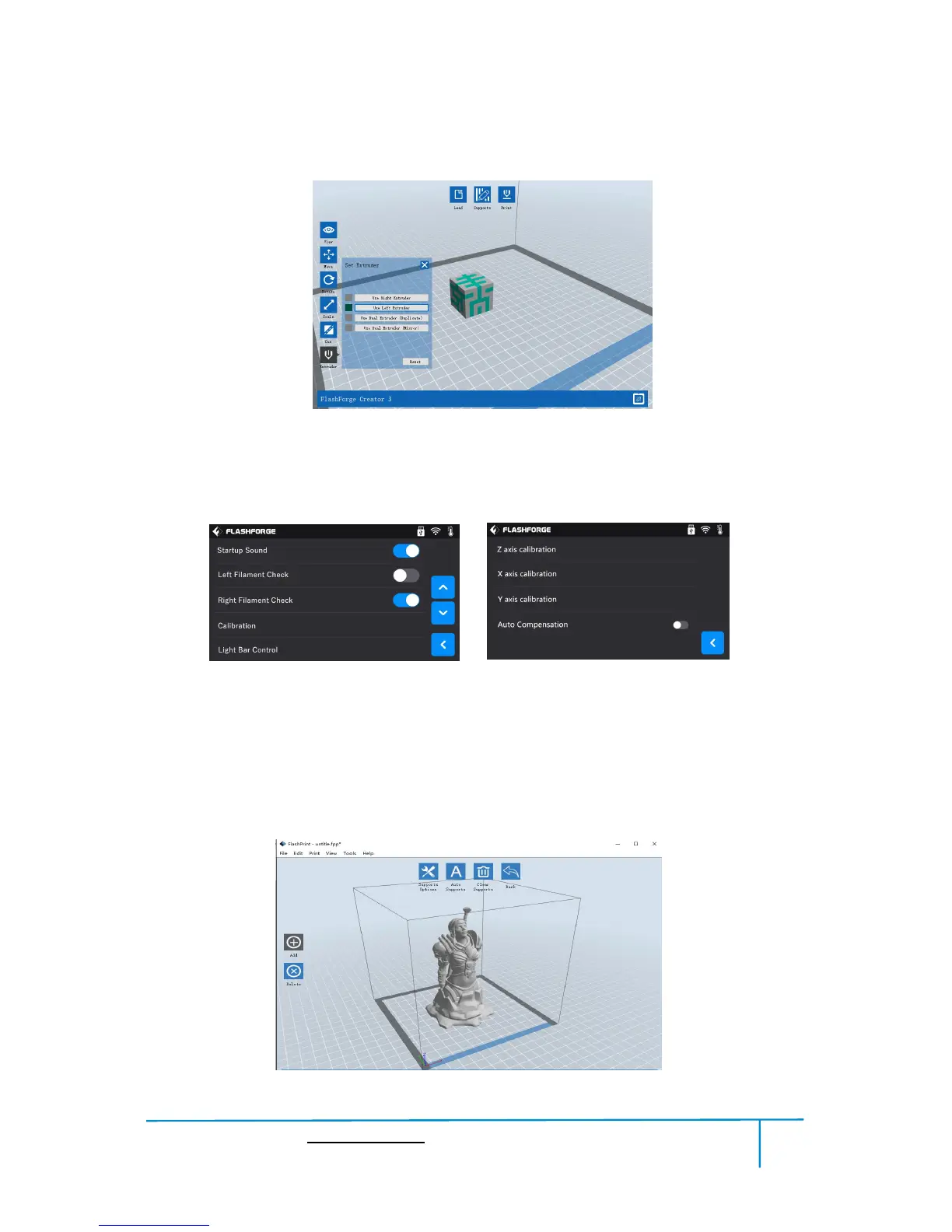
Creator3 can print a model with two extruders cooperating with each other, tap
to choose Left/Right extruder when slicing.
NOTE: Before using dual extruder duplicate or mirror printing, Creator3 must do Z
axis calibration first; Before using two extruders cooperate to print a model, Creator3
must do Z axis, X axis and Y axis calibration first.
After loading the model, click [Edit]--[Supports] or click the Supports icon directly,
then you will enter the support edit mode (as shown in the picture below). Click [Back]
to exit when you finish editing.















 To Next Page