Creator3 User Guide | www.flashforge.com 400-699-1063
highlight the support review). Loosen the left mouse button, if support column doesn’t
meet with model, then support will be generated on origin and terminal point (the
highlighted preview support won’t generate support structure )
Click [Clear Supports], all supports will be deleted. The operation can be repealed
via clicking [Undo] or pressing the shortcut key Ctrl+Z.
Supports will be deleted once clicking the [Delete] button. Move the cursor to the
supports needed deleting, current supports and its subnode support will be highlighted,
click the left mouse button to delete these highlighted support.
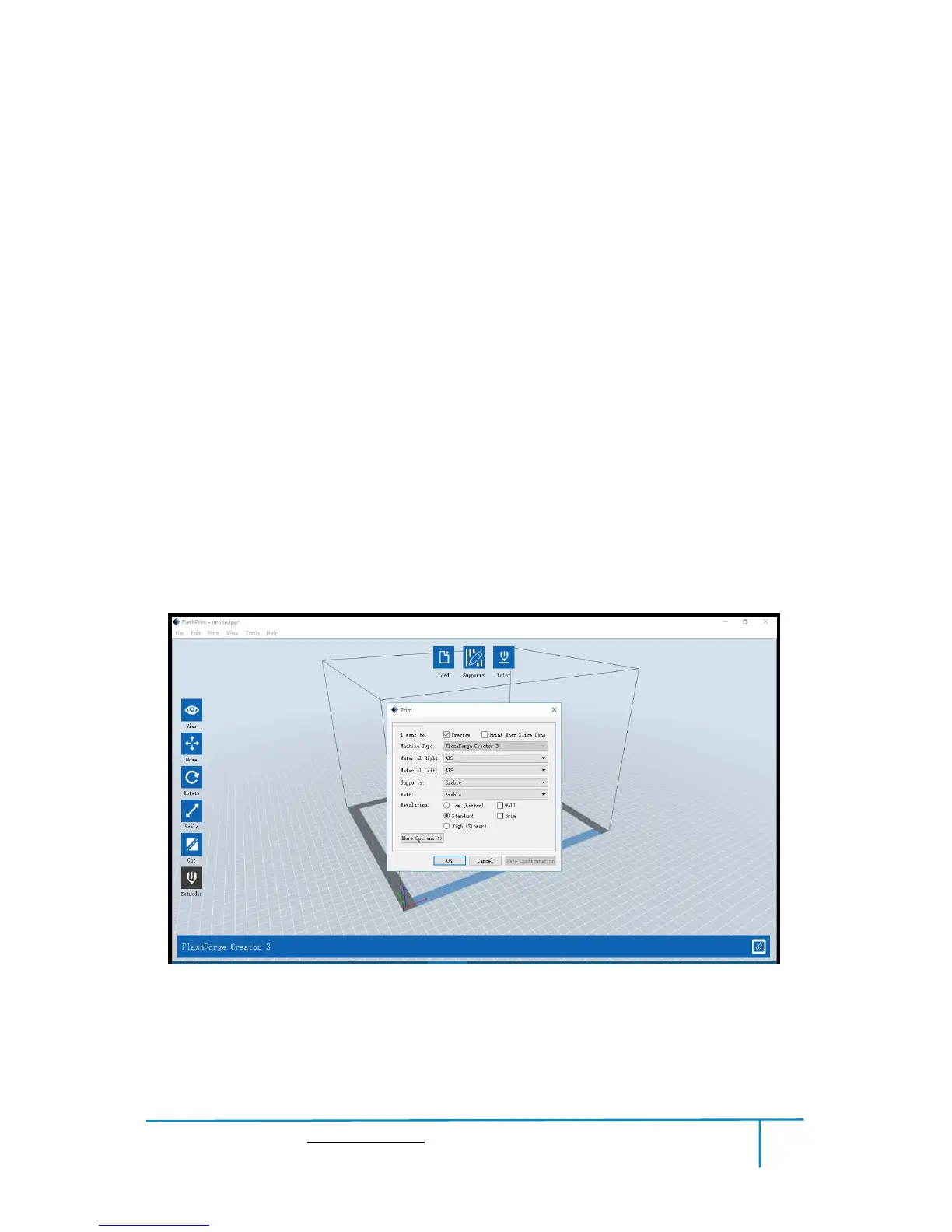
①Preview: Choose to enter preview interface or not
②Print when slice done: Print or not when slice done















 To Next Page