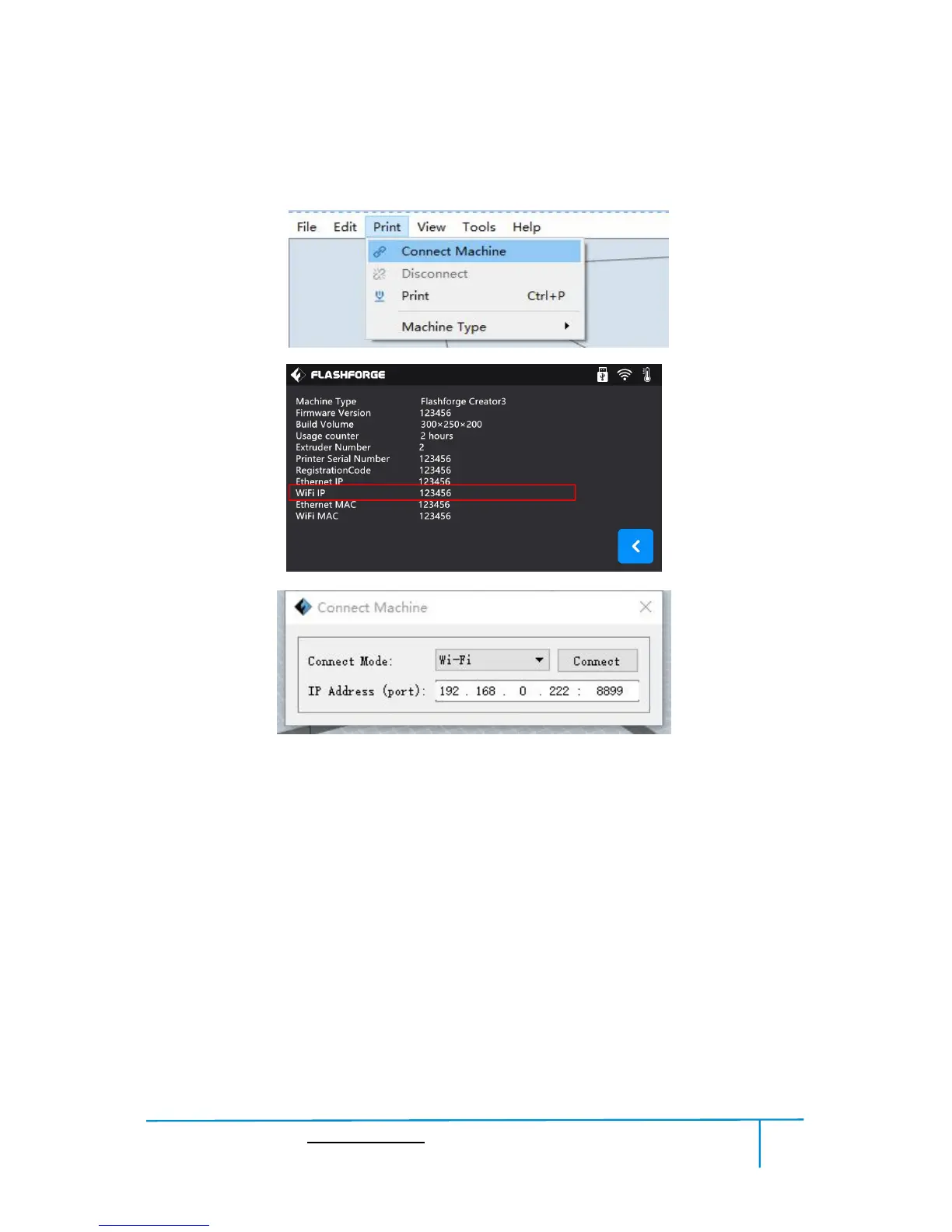
② Turn on your Creator3, level the build plate and load the filament.
③ Click [Print] and transfer your Gcode file to your Creator3. After completing
transference, the printer will heat up automatically. And when heating finishes, the
printer will start to build the model.
If you want to print a Gcode from a local folder, you just need to load the file into
FlashPrint at the status of Ethernet connection or WiFi connection, then click the
[Print] button on the top-right.
● Load the target Gcode file into FlashPrint.















 To Next Page